



From kitchen table to catalog
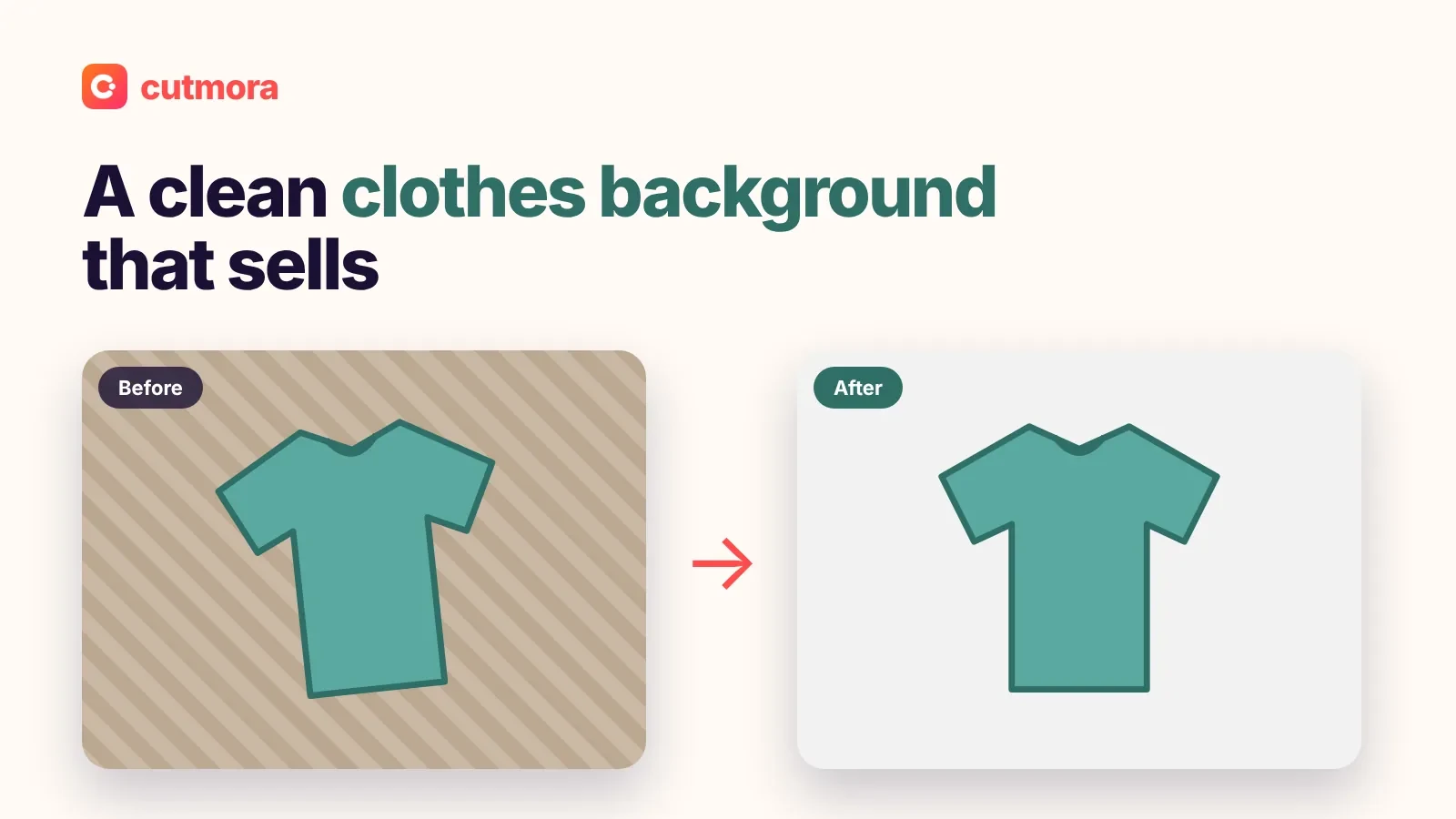
Most small sellers do not own a lightbox. They shoot on a desk, a bed or a kitchen table. Cutmora removes that background and puts the product on pure white (#FFFFFF), so every item in your store looks like it came from the same studio.
A simple workflow for a whole catalog
- Shoot every product the same way. Same light, same distance, same angle. Daylight from a window is enough.
- Fill the frame. Keep the whole product in the picture with a little space around it, so nothing gets cut off.
- Upload to Cutmora and choose White. Check the edges with Compare.
- Download at full size as JPG for listings or PNG for later edits.
- Repeat for each angle: front, back, side, detail and in-use shots.
When every photo follows the same steps, your category pages look tidy and professional, and shoppers trust the store more.
Marketplace notes
- Amazon: the main image must be on pure white (RGB 255, 255, 255), with the product filling most of the frame. See our guide to fixing an Amazon main image that is not pure white.
- eBay: white is not required, but clean photos stand out in search. Read eBay photo backgrounds for used items.
- Shopify and your own store: white or transparent both work. Compare them in white JPG or transparent PNG for Shopify.
Rules change, so always check the marketplace's current image guidelines.
Products that need extra care
- Clear glass and plastic: see-through parts can be hard for any AI. Shoot against a plain, contrasting surface and check the result closely.
- Thin straps, cables and chains: check them with Compare, and use Edge cleanup if needed.
- White products: a white mug on white loses its outline. Consider light gray for secondary images.
Why sellers use Cutmora
- Free full-size downloads, with no credits or monthly plan
- No account and no watermark
- Photos are processed in memory and deleted right away
For any photo that is not a product, use add white background to photo. For a transparent PNG to place on banners, use the transparent background maker.