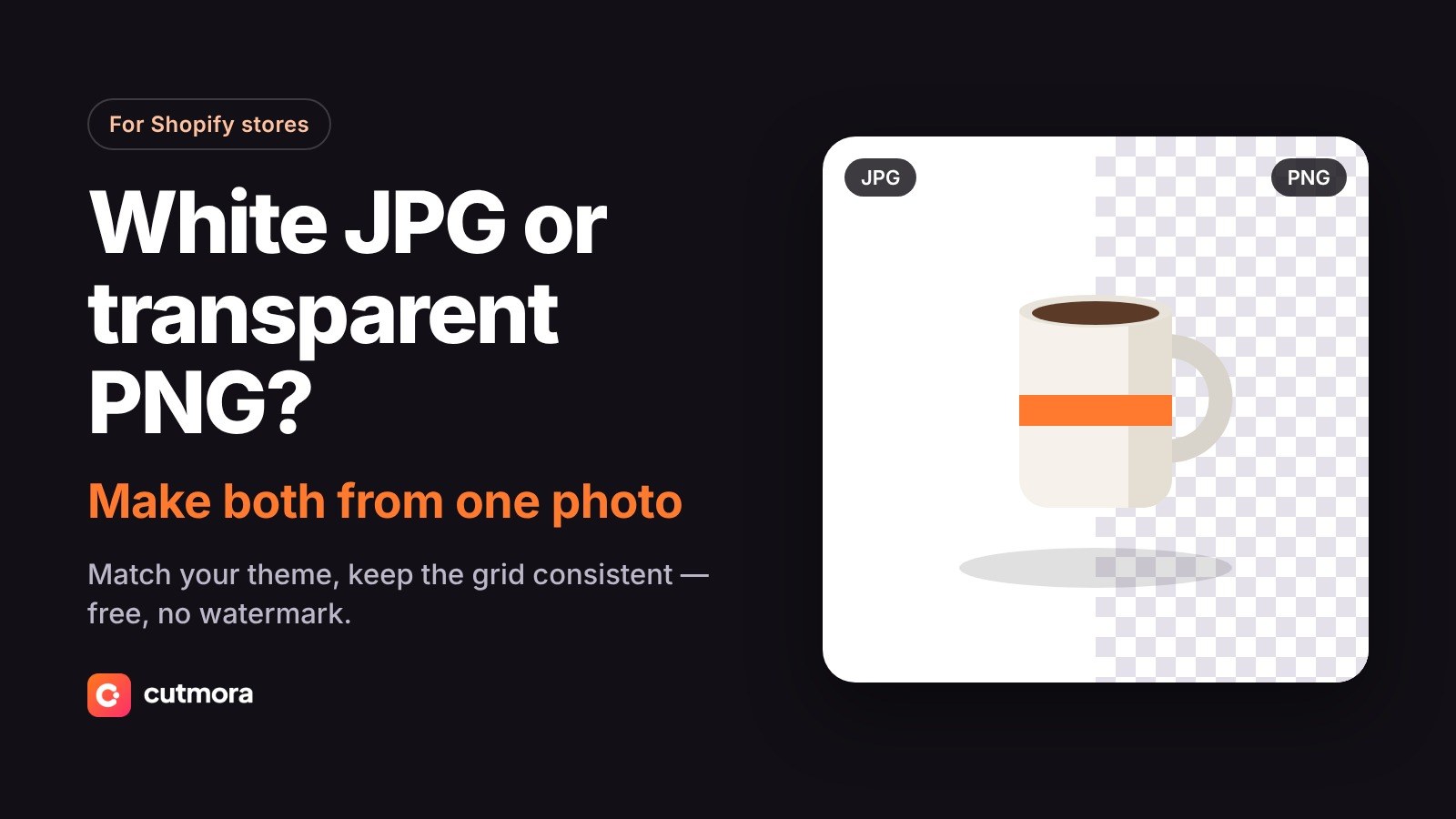
Amazon Main Image Not Pure White? How to Fix It Free
Amazon flagged your main image for a non-white background even though it looks white? Here is why it happens and how to fix it free in minutes.

Nur Ahammad Shanto

If Amazon has flagged your main image for a non-white background, you are not alone. Seller forums are full of the same complaint: the photo looks white, yet the listing is suppressed. The reason is almost always the same. The background is close to white, not pure white.
This guide explains what Amazon checks, why photos that look white still fail, and how to fix the image for free in a few minutes.
What Amazon actually checks
Amazon's main image rules ask for a pure white background: RGB 255, 255, 255, or #FFFFFF in hex. Your eye cannot tell 255 from 245 on a phone screen, but an automated check can. Listings whose main image breaks the rules can be suppressed from search until the image is replaced.
The other main image rules still apply:
- The product fills most of the frame, around 85%.
- No text, logos, borders, watermarks or extra props.
- At least 1,000 pixels on the longest side, so zoom works.
Rules vary a little by category, so check the style guide for your category in Seller Central.
Why a photo that looks white still fails
- White paper or a lightbox is not pure white. Real backgrounds photograph slightly grey or warm, often well below 255.
- Shadows and gradients. A soft shadow under the product, or darker corners from the lens, read as grey.
- Brightening by eye. Pushing brightness until it "looks white" usually leaves faint grey patches near edges and corners.
- A colour tint. Warm indoor light turns white into cream, which the check sees as off-white.
- A halo around the product. A rough cutout leaves a thin edge of the old background around the product.
All five have the same fix: replace the background with solid white instead of trying to brighten it.
Fix it free in three steps
- Upload the original photo. Open Cutmora and drop the photo in, or paste it with Ctrl+V. No account needed.
- Click the white background. The old background is removed and replaced with solid white, not brightened. If a trace of the old background remains around the edges, move the edge slider toward "Tighter".
- Download a JPG and replace your main image in Seller Central.
Because the background is replaced rather than brightened, no grey is left in the corners or under the product.
Check before you upload
It takes 30 seconds and saves you another suppression. Open the downloaded file in any free editor with a colour picker, such as Photopea in the browser or GIMP. Click a few spots in the corners and close to the product. Every spot should read 255, 255, 255.
After you replace the image
Amazon re-reviews the new main image. If the listing stays suppressed, the cause may be another rule: text or a logo on the image, a prop, or a product that fills too little of the frame. Fix those, then upload again.
Frequently asked questions
Why does Amazon say my background is not white when it looks white?
Because it is checked by value, not by eye. A background at 245 looks white on screen but is not 255, so the check fails.
What exact white does Amazon want?
RGB 255, 255, 255, which is #FFFFFF.
Do all my product images need a white background?
No. Only the main image. Use the other slots for lifestyle shots, scale and close-ups.
Is Cutmora free for Amazon listings?
Yes. It is free for commercial use, adds no watermark and needs no sign-up. Photos are processed in memory and never stored.
Related guides: eBay photo backgrounds for used items · Etsy product photo backgrounds · Shopify: white JPG or transparent PNG?
Fix your main image now: replace the background with pure white, free, at cutmora.com.