
How to add a white background to a photo
- Upload your photo. Click Upload image, drop a file on the box or paste a copied picture with Ctrl+V. JPG, PNG and WebP up to 30 MB work.
- Let the AI cut it out. Cutmora removes the old background in a few seconds and, on this page, places your subject on pure white straight away.
- Check the edges. Switch to Compare to look at hair and fine details. If a little of the old background is left, move Edge cleanup towards Tighter.
- Download. Choose JPG for a small file with a solid white background, or PNG if you want lossless quality.
Your photo is processed in memory and deleted right away. It is never stored and never used to train AI.
Pure white for Amazon, eBay, Etsy and Shopify
Online marketplaces reward clean, consistent photos, and a white background is the safest choice almost everywhere:
- Amazon requires the main product image to have a pure white background (RGB 255, 255, 255). The white Cutmora adds is exactly #FFFFFF, so it is never "almost white". Read more in our guide to Amazon white background rules.
- eBay recommends a plain, uncluttered background. White works for almost any item, new or used. See eBay photo backgrounds for used items.
- Etsy and Shopify give you more freedom, but a white background keeps your shop grid neat. Compare the options in Etsy product photo backgrounds and Shopify: white or transparent?.
White background for CV, LinkedIn and profile photos
A white background makes a headshot look clean and professional on a CV, a LinkedIn profile or a company team page. Take the picture facing a window for soft, even light, then let Cutmora replace the background. For soft or curly hair, keep Edge cleanup in the middle or move it slightly towards Softer.
Tips for the best result
- Fill the frame. Crop away empty space so the product or person is large in the picture.
- Avoid hard shadows. Even light gives the AI cleaner edges to work with.
- White product? If a white item blends into a white background, pick the light gray swatch instead, or keep the background transparent.
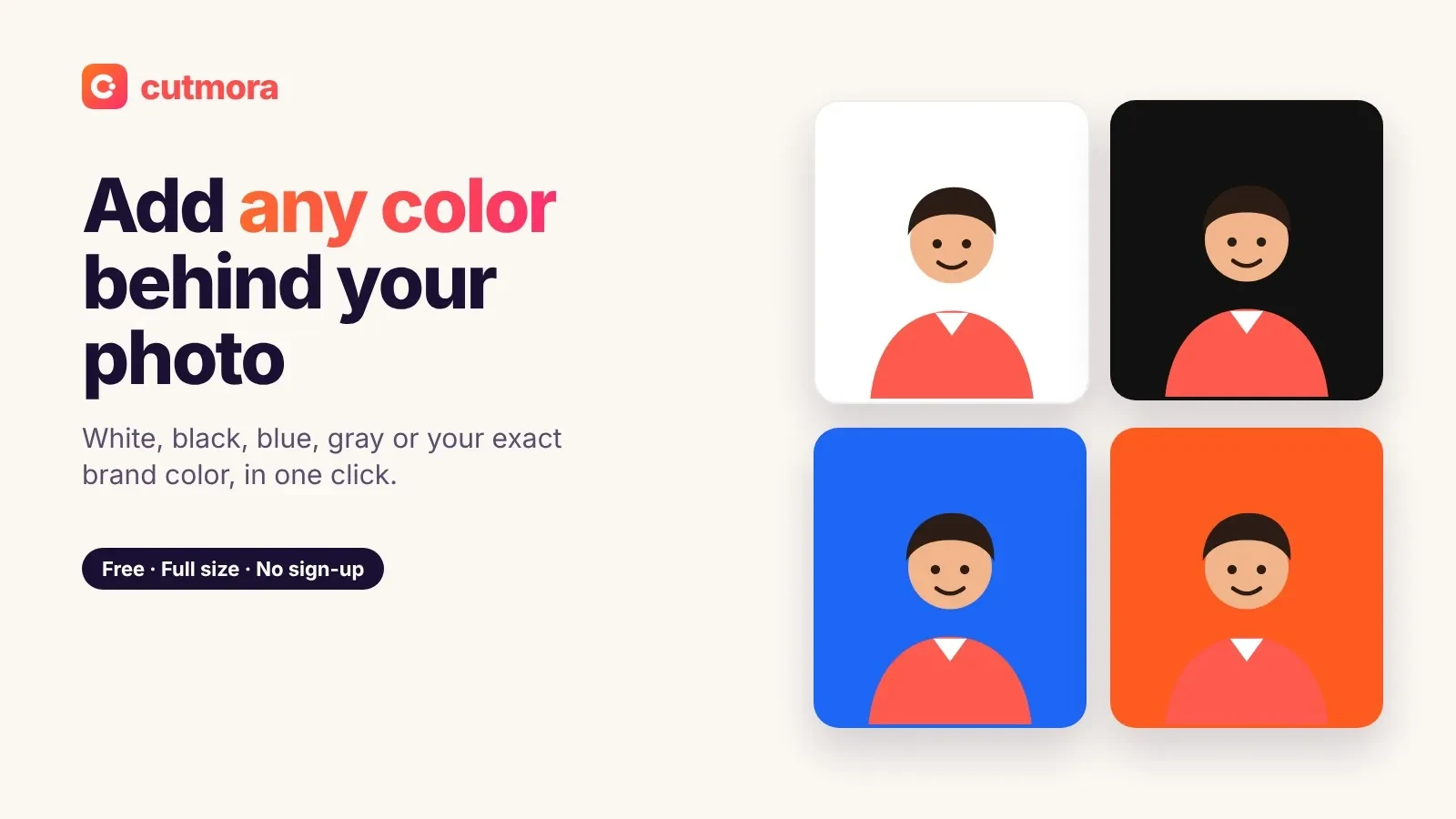
- Need another color? The same tool adds black, gray, blue, green or any custom color. You can also keep a transparent background or blur the background instead.
Everything is free: no sign-up, no credits and no watermark, and you download at full resolution.