
How to make a transparent background
- Upload your photo. Click Upload image, drop a file on the box or paste a copied picture with Ctrl+V. JPG, PNG and WebP up to 30 MB work.
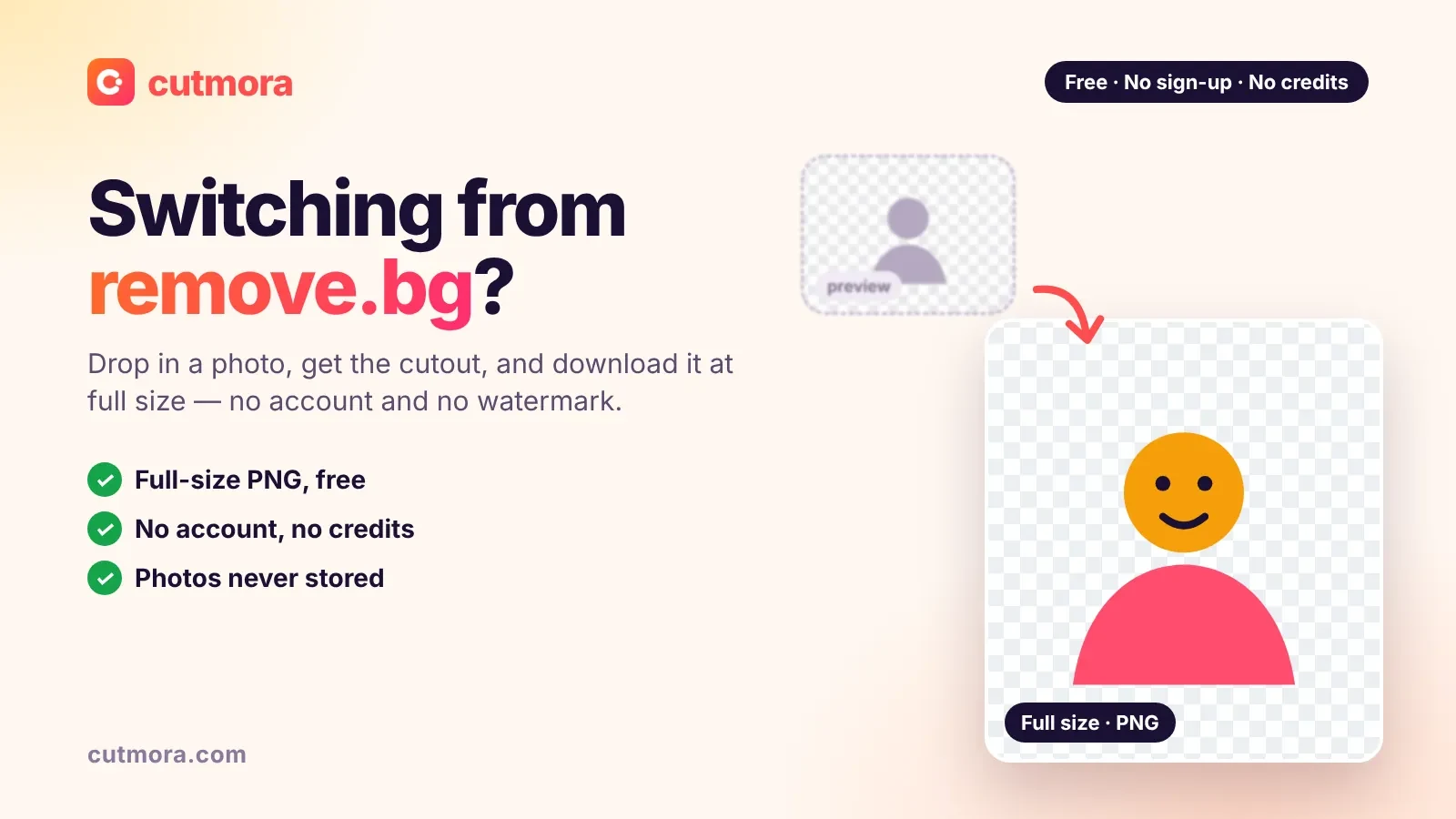
- The AI removes the background. In a few seconds the subject is cut out. The checkerboard you see behind it means "transparent".
- Check the edges. Switch to Compare to look at hair and fine details. If a little of the old background is left, move Edge cleanup towards Tighter.
- Download as PNG. PNG keeps the transparent background. WebP also keeps it and makes a smaller file. Do not choose JPG: a JPG cannot store transparency and fills the background with a solid color.
Your photo is processed in memory and deleted right away. It is never stored and never used to train AI.
What a transparent background is good for
- Product cut-outs for online stores, ads and catalogs.
- Stickers, thumbnails and social posts where the subject sits on top of colors or other images.
- Slides and documents in PowerPoint, Google Slides, Keynote or Word, with no white box around the picture.
- Designs in Canva, even on the free plan: upload the PNG and it keeps its transparency. See how to remove a white background for Canva.
- Photo montages, such as placing a person or product on a new scene.
Best results: photos with a clear subject
The transparent background maker is built for photos of people, products, pets, cars, food and other objects. The AI separates the main subject from everything behind it, including hair and fine edges, and keeps the full resolution of your photo (up to about 12 megapixels).
Flat graphics are different. Text-only logos or signatures on paper can leave faint traces around thin lines, so always check the result with Compare before you use it.
PNG, WebP or JPG?
- PNG: lossless and transparent. The best default for most uses.
- WebP: transparent and smaller, supported by modern browsers and most websites.
- JPG: no transparency. Choose it only when you want a solid background, for example pure white for product photos.
Want other ways to do it, in Photoshop, GIMP or on a Mac? Read our guide on how to make a PNG transparent.
Free, private and full resolution
There is no sign-up, no credits and no watermark. If you would rather keep the scene but make it less distracting, try blurring the background instead.