
Why people need a remove.bg alternative now
remove.bg's standalone website closes on December 1, 2026, at 9:00 a.m. CET. Its background removal moves into Canva, and its API moves to Leonardo.Ai. If you used remove.bg to clean up one photo at a time, you now need a new place to do it, and Cutmora is a free remove.bg alternative built for exactly that job.
The old free plan also had a catch. Free downloads were low-resolution previews of up to 0.25 megapixels, and the full-size file cost a credit. For what happens to your credits, account and API keys, read remove.bg not working? Here's why.
What you get with Cutmora
- Full-size downloads, free. Results up to about 12 megapixels, with no credits to buy.
- No account. Open the page and drop in a photo. There is nothing to sign up for.
- No watermark on any download.
- Common formats. Upload JPG, PNG or WebP up to 30 MB. Download PNG, WebP or JPG.
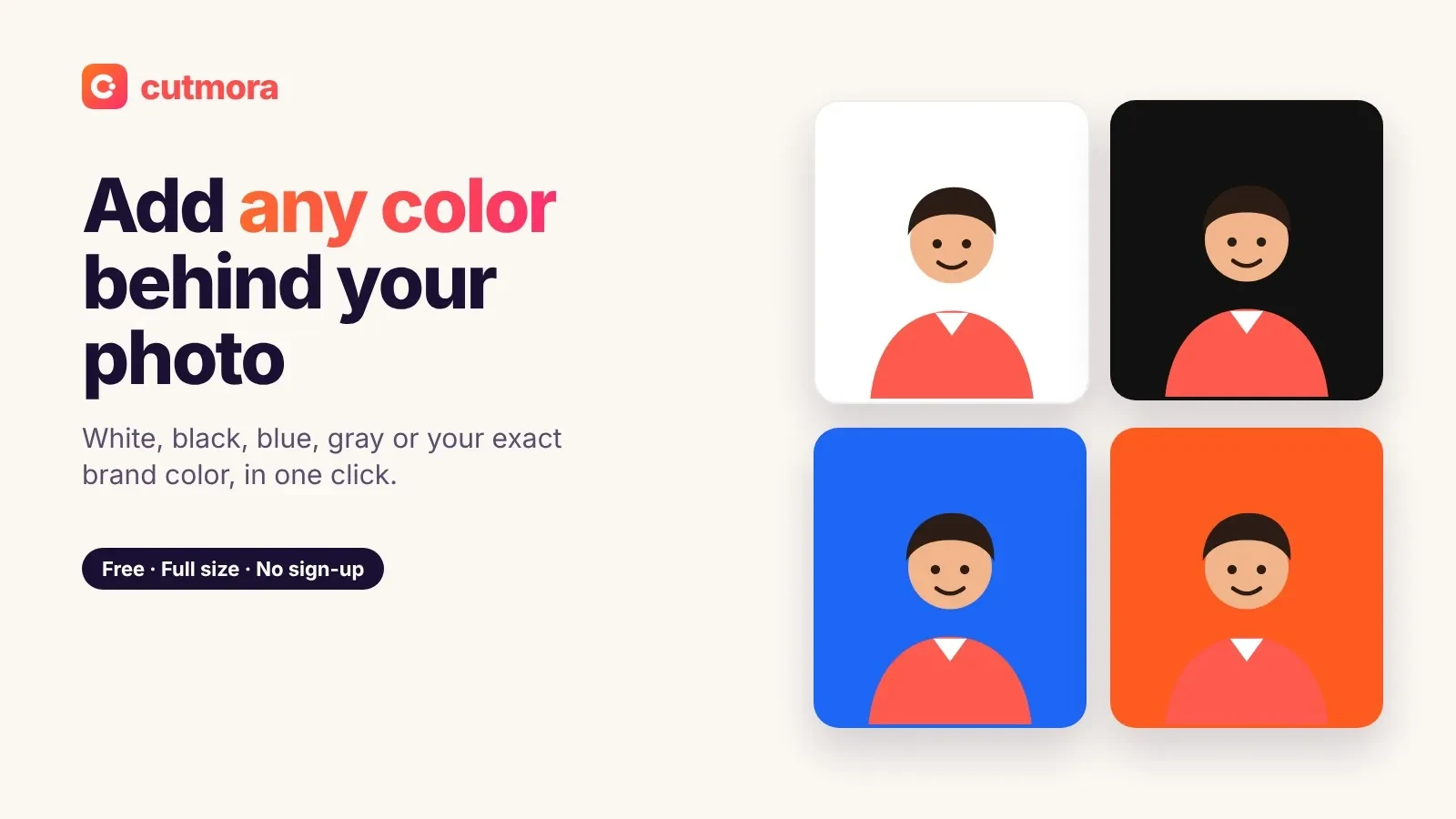
- Four background options. Transparent, a solid colour, a blurred version of the original, or a photo of your own.
- Private by design. Photos are processed in memory, deleted right away, and never used to train AI.
remove.bg's free plan compared with Cutmora
- A full-size download: one paid credit on remove.bg; free on Cutmora.
- Free download size: a preview of up to 0.25 MP on remove.bg; up to about 12 MP on Cutmora.
- Account: needed on remove.bg to buy and use credits; not needed on Cutmora.
- After December 1, 2026: the remove.bg website is closed; Cutmora keeps working.
- Bulk and API: remove.bg offered both until the closure; Cutmora does one photo at a time and has no API.
Move your usual remove.bg jobs to Cutmora
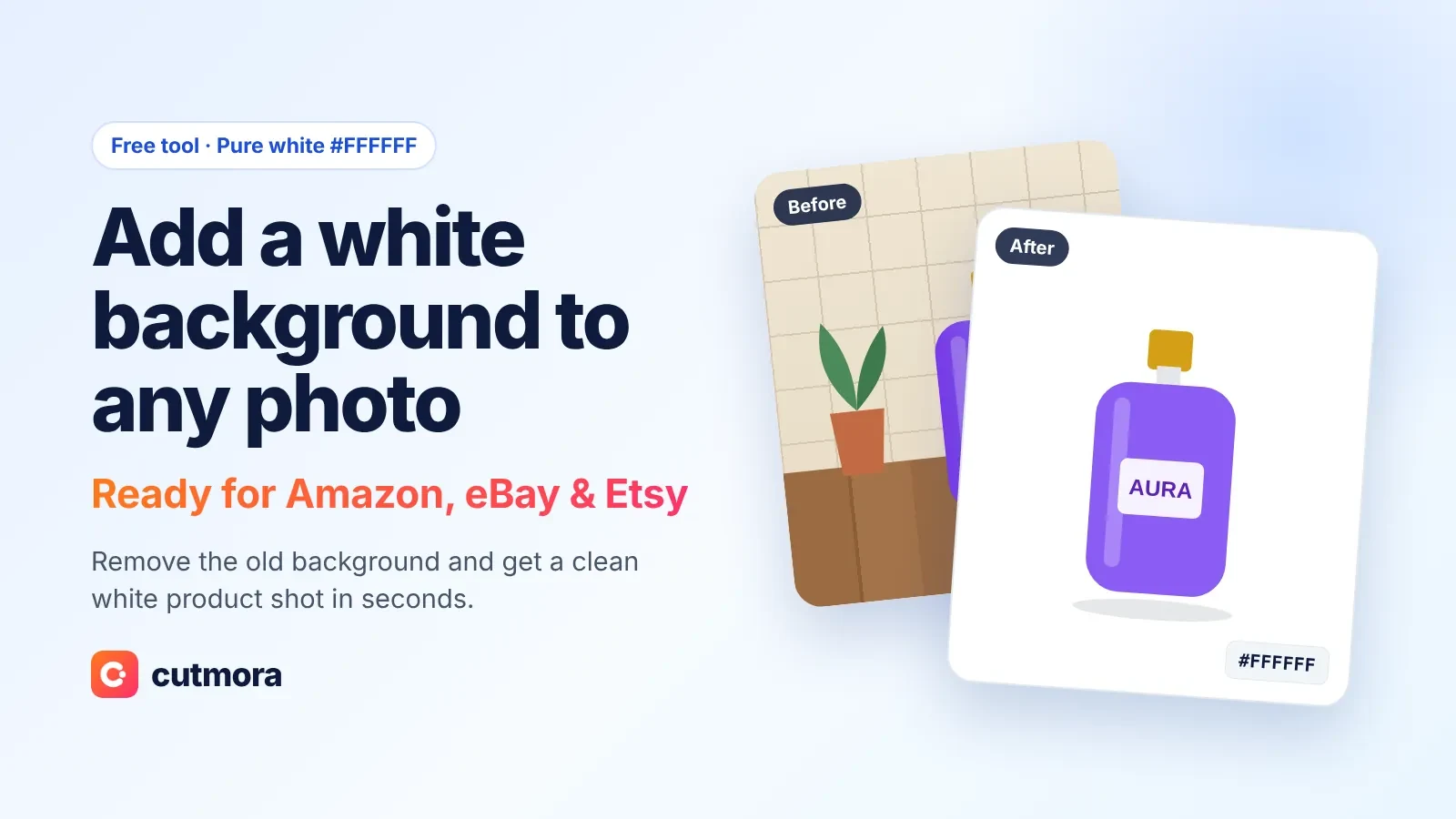
- Product photos on white for Amazon, eBay or Etsy: add a white background to a photo and download it on pure #FFFFFF.
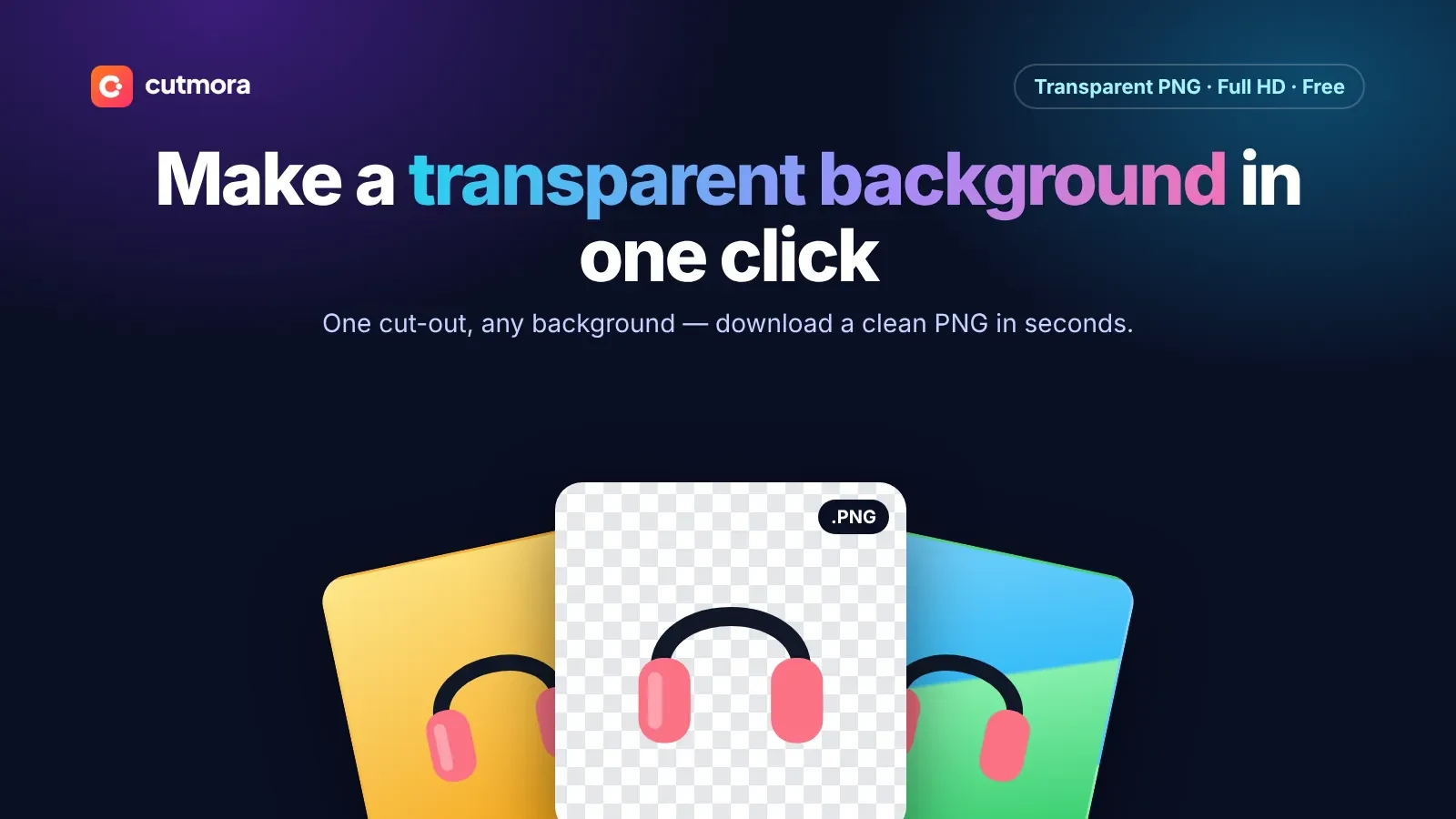
- Logos, stickers and cutouts for designs: make a transparent background PNG. On Canva's free plan? See how to remove a white background in Canva.
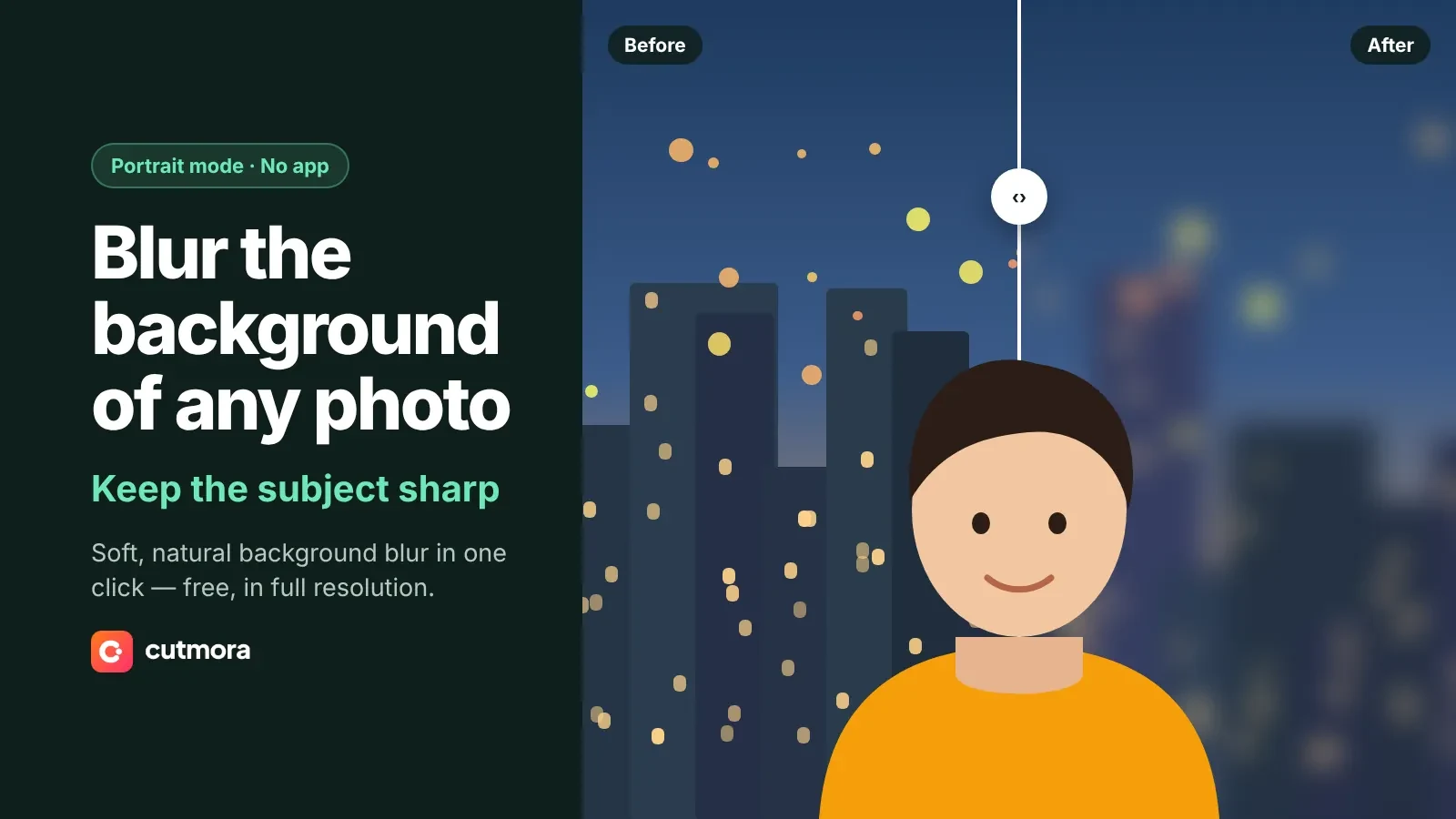
- Portraits and profile pictures: blur the background instead of removing it, for a soft, camera-like look.
- A new scene: upload a background photo of your own and place the subject on it.
Where another tool fits better
Cutmora is made for single photos in a browser. If you process hundreds of images in one go, Canva's bulk background removal is the closer match. If your app or script called the remove.bg API, Leonardo.Ai is the official route.
Very fine detail is the other limit. Thin handwriting, signatures and hairline logo strokes can lose a little detail, so check the result with Compare before you download.