Shopify Product Images: White or Transparent Background?
Shopify has no background rule, so which is right: white JPG or transparent PNG? When to use each, and a free way to make both from one photo.

Nur Ahammad Shanto
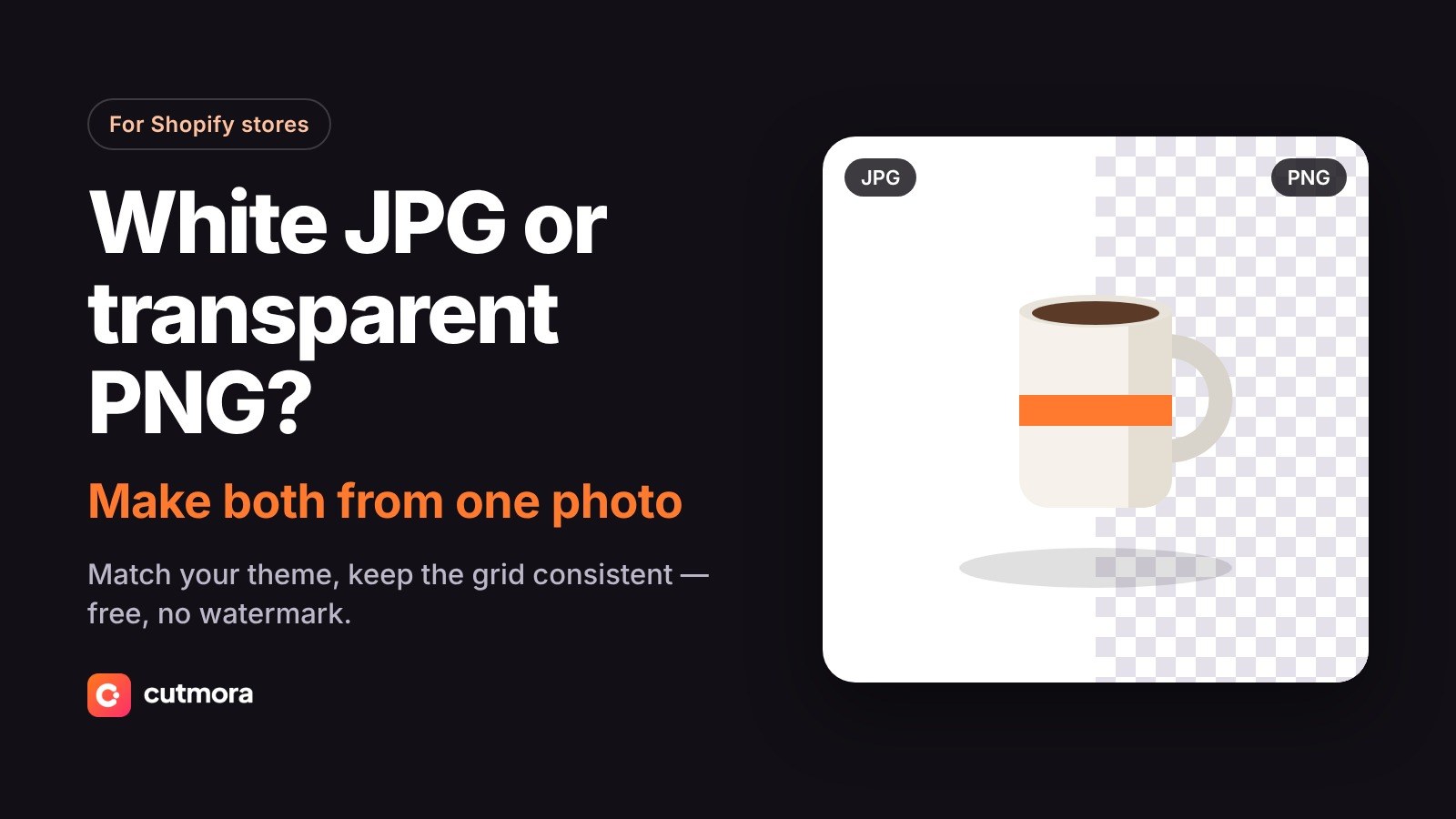
Shopify is your own store, so unlike Amazon there is no background rule to follow. That freedom comes with a question every store owner eventually asks: should product images be JPGs on white, or transparent PNGs?
The short answer: for most stores, a white or single-colour JPG is the right default, and transparent PNGs earn their place when your theme's background is not white. This guide explains when to use each, and how to make both from the same photo for free.
Why the background matters more on Shopify
On a marketplace, your photo competes inside someone else's layout. On Shopify, your photos are the layout — the product grid is most of your homepage and collection pages. When every product sits on the same clean background, the grid looks like a brand. When backgrounds vary, the same products look like a flea market.
Consistency is the real rule. Pick one background treatment and apply it to every product.
White JPG or transparent PNG?
Choose white (or another solid colour) JPG when:
- Your theme's product cards and pages have a white or light background — true for most Shopify themes.
- You want smaller files. JPGs are usually much lighter than PNGs, and lighter pages load faster, which matters for conversion and for Google.
- You sell on marketplaces too — one white-background set works everywhere, including Amazon and eBay.
Choose transparent PNG when:
- Your theme uses a coloured, dark or textured background, and you want the product to sit directly on it with no white box around it.
- Your theme supports a dark mode, where a white box looks harsh.
- You compose images further — banners, collages, lookbooks — where the cutout is a building block.
If you are unsure, look at your product grid: if every image shows as a white rectangle on a white page, white JPGs are already right. If white rectangles sit on a coloured page, switch those images to transparent PNGs.
Make both from one photo, free
You only need one good photo per product; the background comes after.
- Upload the photo at Cutmora — drag and drop or paste with Ctrl+V. No account, no watermark.
- For the store grid: pick the white swatch (or a custom colour that matches your theme) and download a JPG.
- For banners and dark sections: switch the background to transparent and download a PNG. Same cutout, two files.
Photos are processed in memory and never stored, and commercial use is allowed.
Sizing and consistency tips
- Keep one aspect ratio. Square works with almost every theme. Mixed ratios make the grid ragged.
- Shoot large. Shopify's docs recommend large square product images — around 2,048 × 2,048 pixels is a common target, and Cutmora's 12-megapixel output covers it comfortably.
- Leave even margins. Keep the product at a consistent size within the frame across your catalogue, with similar space on all sides.
- Name files descriptively. "blue-ceramic-mug.jpg" helps image SEO more than "IMG_4032.jpg", and write alt text for every image.
Frequently asked questions
Does Shopify require a specific background?
No. Shopify leaves images entirely to you — which is why consistency across your own catalogue becomes the rule that matters.
Are transparent PNGs slower to load?
They are usually heavier than JPGs of the same image. Use PNGs where transparency is actually needed, and JPGs elsewhere. Shopify serves modern formats automatically, but a smaller upload still helps.
Can I match my theme's exact background colour?
Yes. In Cutmora, pick the custom colour swatch and enter your theme's colour, then download a JPG — the product blends into the page with no visible box.
What size should Shopify product images be?
Square and large — around 2,048 × 2,048 pixels is a safe target for zoom and sharpness. Check Shopify's current image guidelines for the exact limits.
One photo, both formats: remove the background free at cutmora.com and download a white JPG for the grid and a transparent PNG for everything else.