


Why a black background works
A black background removes every distraction, so the eye goes straight to the subject. Metal, glass and gemstones catch light against black in a way they never do against white. That is why luxury brands use dark backgrounds for watches, perfume and jewelry, and why dark portraits feel more dramatic.
With Cutmora you do not need a black studio backdrop. Shoot the product or person anywhere, then let the AI cut out the subject and put it on black.
What you get
- Pure black (#000000) with one click, from the Black preset.
- Off-black if you prefer it. Use Custom color for a softer shade, such as #111111, which often looks better in social feeds and dark-mode apps.
- Full-size download of up to about 12 megapixels, with no watermark.
- No sign-up. Open the page and start.
Best uses for a black background
- Jewelry and watches: reflections and sparkle stand out.
- Perfume and glass bottles: edges and highlights look crisp.
- Electronics and gadgets: a sleek, premium feel for headphones, phones and keyboards.
- Portraits and profile photos: a dramatic, editorial look.
- Dark-mode designs: cutouts that blend into dark websites, slides and thumbnails.
Tips for black backgrounds
- Watch dark edges. Black hair, dark clothing or a black product can merge into the background. Choose a photo where the subject is well lit from the side or from behind, so its outline stays visible.
- Check with Compare. Zoom in on hair and fine edges. If a light fringe from the old background shows against black, move the Edge cleanup slider.
- Use JPG for sharing. A solid black background compresses well, so JPG keeps the file small. Use PNG for print or further editing.
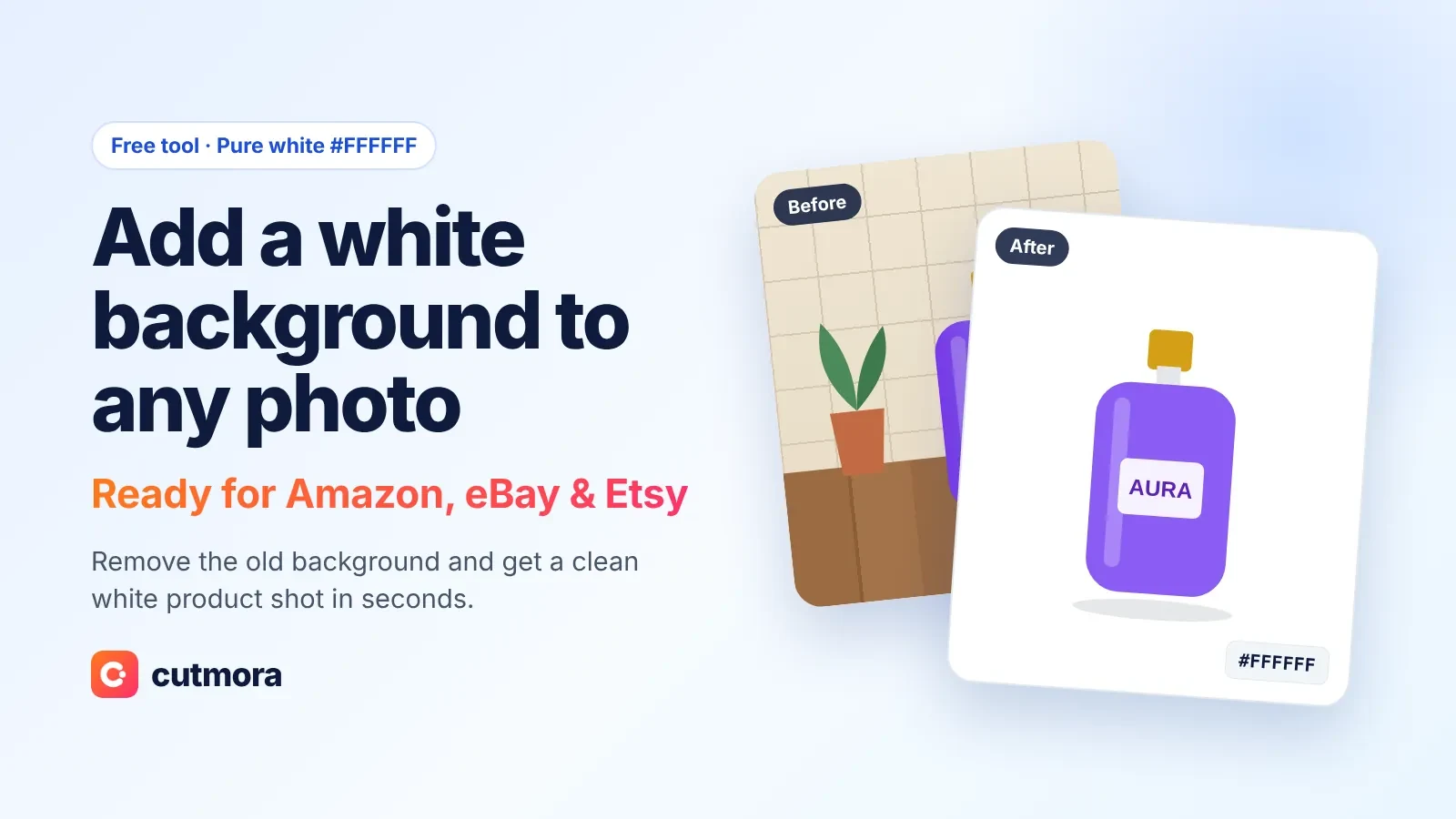
- Need white for a marketplace? Amazon requires pure white for the main image, so use add white background to photo for listings and keep black for ads and social posts.
Private by default
Photos are processed in memory and deleted right away. Cutmora never stores your images or uses them to train AI.
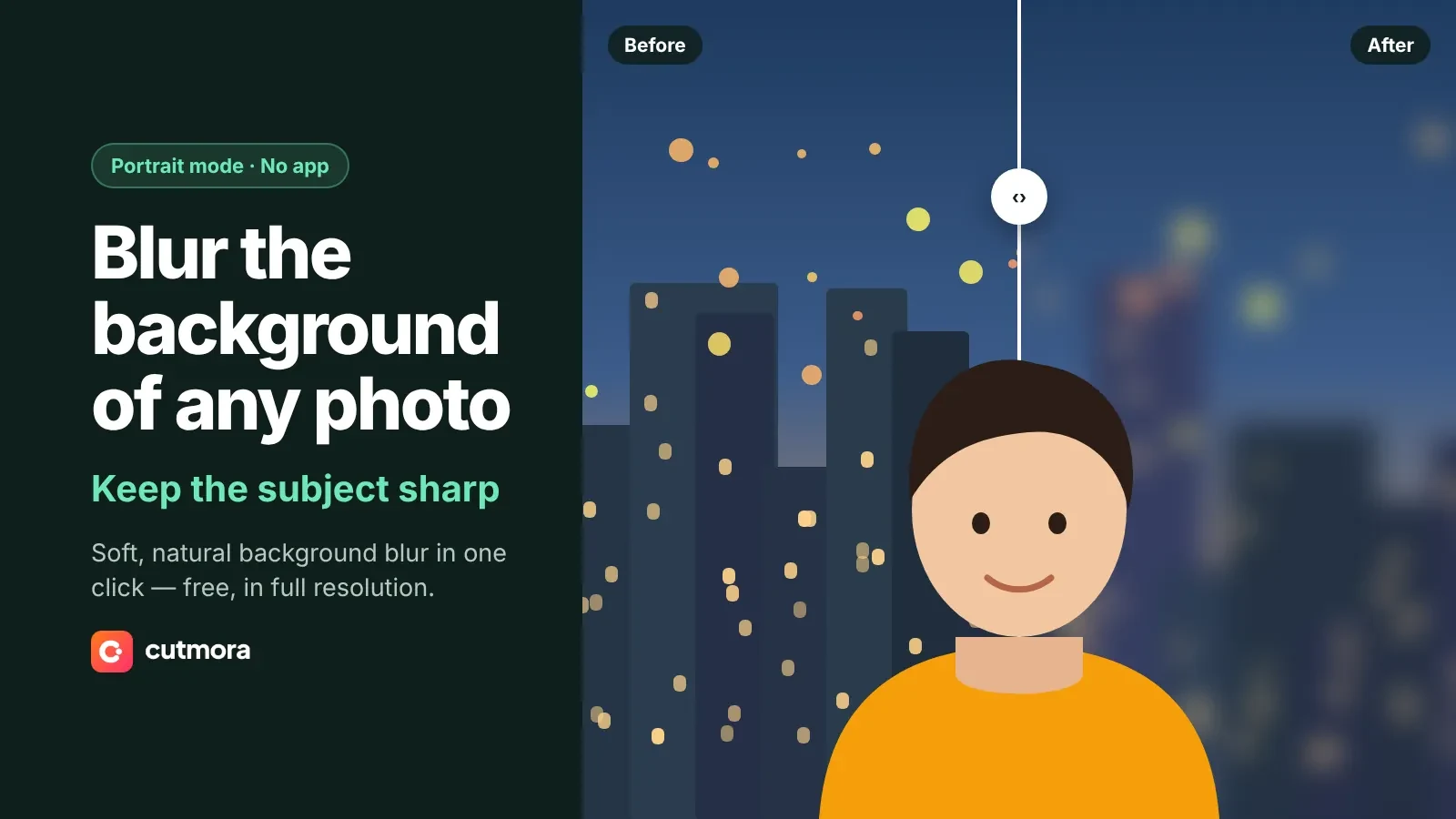
Want a different color? See add background color to photo, or go bold with a red background or a blue background. Prefer to keep the original scene but soften it? Try the blur background tool, or make a transparent background PNG to add your own color later.