How to Remove a White Background in Canva (Free Plan)
BG Remover locked on Canva's free plan? Here is what the free plan can do, and a free way to get a clean cutout into any Canva design.

Nur Ahammad Shanto
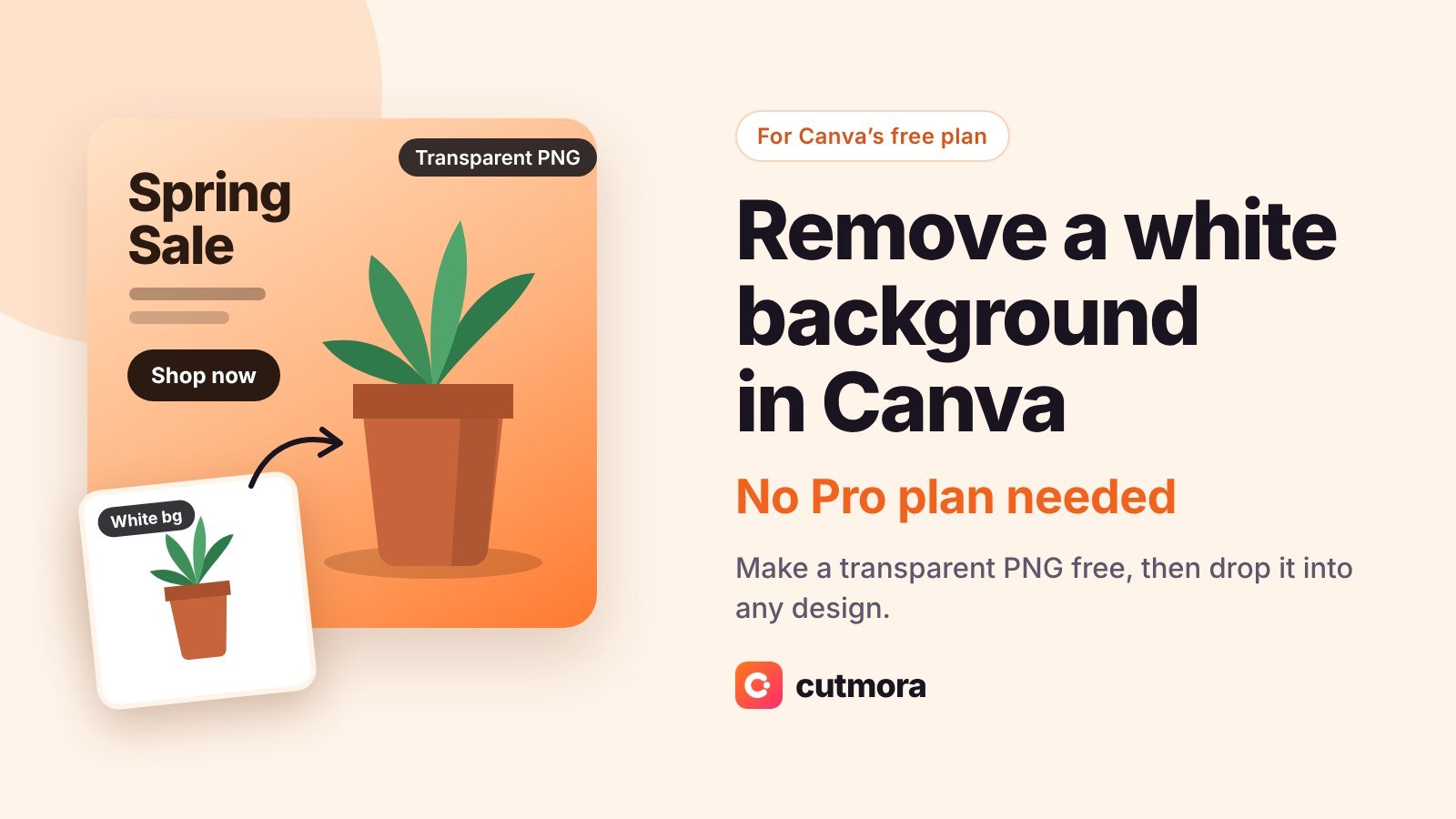
You have a logo, product photo or headshot on a white background, and you want it to sit cleanly on your Canva design. On a paid Canva plan that takes one click. On the free plan, the BG Remover button is there, but it asks you to upgrade.
Quick answer: Remove the white background free at Cutmora, download the result as a transparent PNG, then upload it to Canva. It works on Canva's free plan, with no sign-up and no watermark.
This guide explains what Canva's free plan can and cannot do, and walks through that free workaround step by step.
Can you remove a background in Canva for free?
Not inside the Canva editor. Canva's own help page says background remover is included with paid plans, and lists it as "paid plans only". The same rule applies to downloading a design with a transparent background: that option is available on Canva Pro, Teams, Business, Education and Nonprofit plans, not on the free plan.
What the free plan can do is use a transparent PNG that you upload. Canva keeps the transparency of uploaded PNGs, so a cutout made elsewhere sits on your design with no white box around it.
That gives you a free workflow in three steps.
Remove a white background for Canva, free
Step 1: Remove the background outside Canva
- Open Cutmora and drop in your image, or paste it with Ctrl+V. No account is needed.
- The background is removed automatically. Check the edges with "Compare". If a trace of white is left around hair or fine edges, move the edge slider toward "Tighter".
- Keep the background transparent and download as PNG. Do not choose JPG, which would put the white back.
Cutmora is free, adds no watermark and keeps images up to about 12 megapixels. Your image is processed in memory and never stored.
Step 2: Upload the PNG to Canva
- In your Canva design, open Uploads in the side panel and choose Upload files.
- Select the transparent PNG.
- Click it to add it to the page.
The cutout appears with no background, so it sits directly on whatever colour, photo or template is behind it.
Step 3: Design and download
Place, resize and layer the cutout like any other element. When you download the finished design as JPG or PNG on the free plan, the design's own background is included, which is what you want for social posts, flyers and thumbnails.
What if the final file must be transparent?
Sometimes the end result itself has to be transparent, such as a logo for a website header or a sticker. On Canva's free plan, the "Transparent background" download option is not available. You have two choices:
- Skip Canva for that file. Download the transparent PNG from Cutmora and use it directly. It is already the transparent logo or cutout you need.
- Use a paid Canva plan. If you need to export many designs with transparency, Pro includes the transparent download option.
Logos with white backgrounds: two tips
- Use the largest version you have. A small logo with a white box has very few pixels at its edges. Start from the biggest file available so the cutout stays sharp when Canva scales it.
- Watch out for white inside the logo. A background remover removes the background, not every white pixel. If your logo has white letters on a coloured shape, those stay white, which is usually what you want.
Canva free vs paid for background removal
- Remove a background: on the free plan, do it in Cutmora before uploading; on a paid plan, use BG Remover inside the editor.
- Use the cutout in a design: works on both, because uploaded PNGs keep their transparency.
- Download a design with a transparent background: paid plans only.
- Cost: Canva free plus Cutmora costs nothing; BG Remover needs a paid subscription.
Canva's help page also notes that its background remover works on photos under 9 MB, and that photos over 10 megapixels are scaled down to 10 megapixels after the background is removed.
Frequently asked questions
Why is BG Remover locked in my Canva account?
Because you are on the free plan. Canva's help page lists background remover as a paid-plan feature.
Does Canva keep the transparency of uploaded PNGs?
Yes. A PNG with a transparent background shows with no background in your design, on both free and paid plans.
My uploaded image still has a white box. Why?
The file was not really transparent. It was either saved as JPG, or it was a "transparent" PNG with a checkerboard drawn into it. Run it through a background remover and download as PNG.
Can I download a transparent PNG from Canva's free plan?
Not from the editor's download panel. The "Transparent background" option belongs to paid plans. Use the transparent PNG from Cutmora directly instead.
Is Cutmora free for commercial designs?
Yes. There is no sign-up, no watermark and commercial use is allowed.
Related guides: How to make a PNG transparent · Shopify product images: white or transparent background? · Etsy product photo backgrounds
Remove the white background before you open Canva: make a transparent PNG free at cutmora.com.