
What this product photo editor does
Cutmora focuses on the one edit that changes a product photo the most: the background. Upload a picture, and the AI separates the product from everything behind it. Then choose what goes behind it:
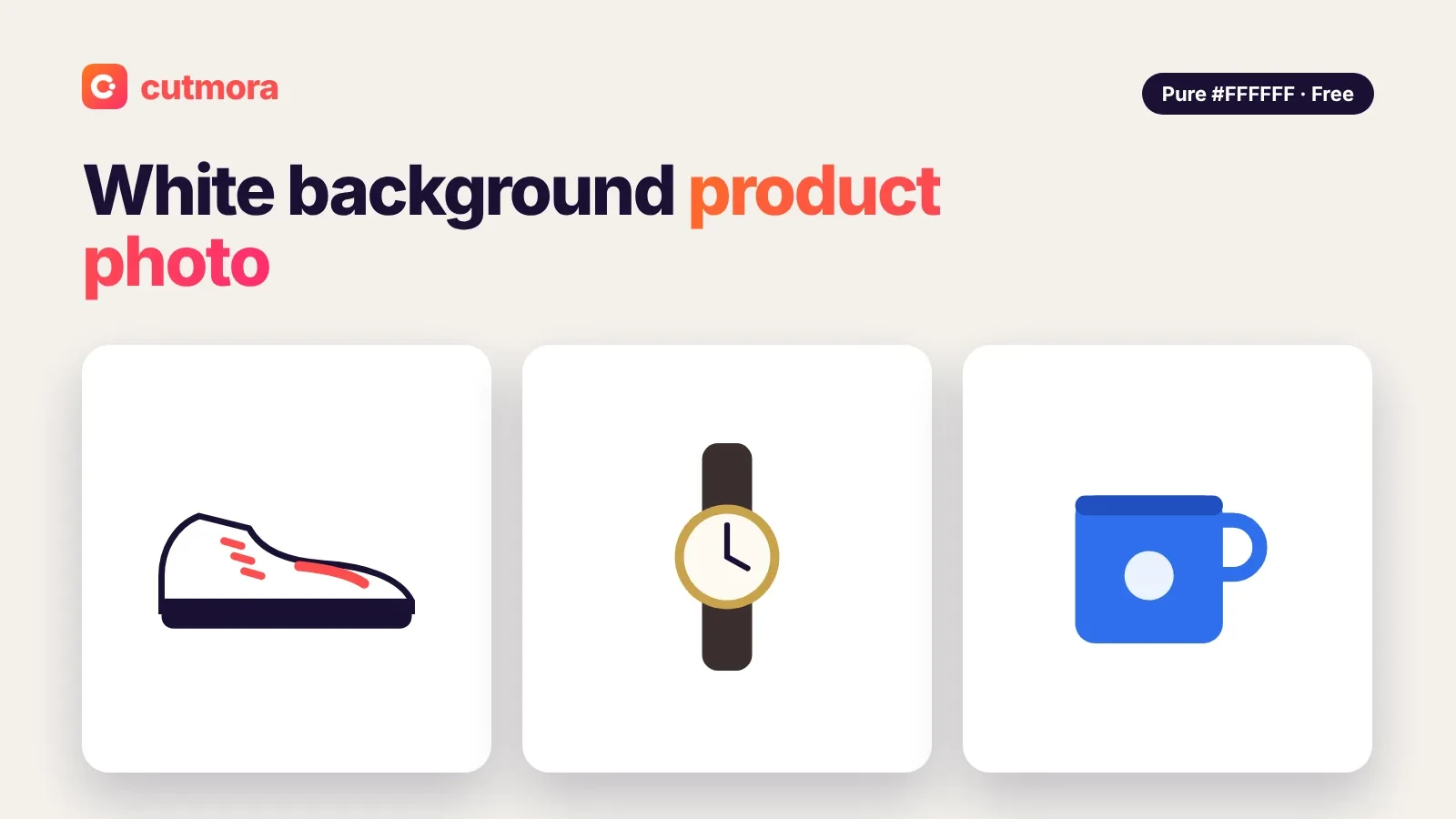
- White (#FFFFFF) for marketplace listings and catalogs.
- Light gray for a soft, premium look on white web pages.
- Any color from the presets or the color picker, to match your brand.
- Transparent PNG, to place the product on a banner, an ad or a website section.
- Blur the original to keep the real setting but make it soft and out of focus.
- Your own photo, such as a marble counter or a wooden table, as a new scene.
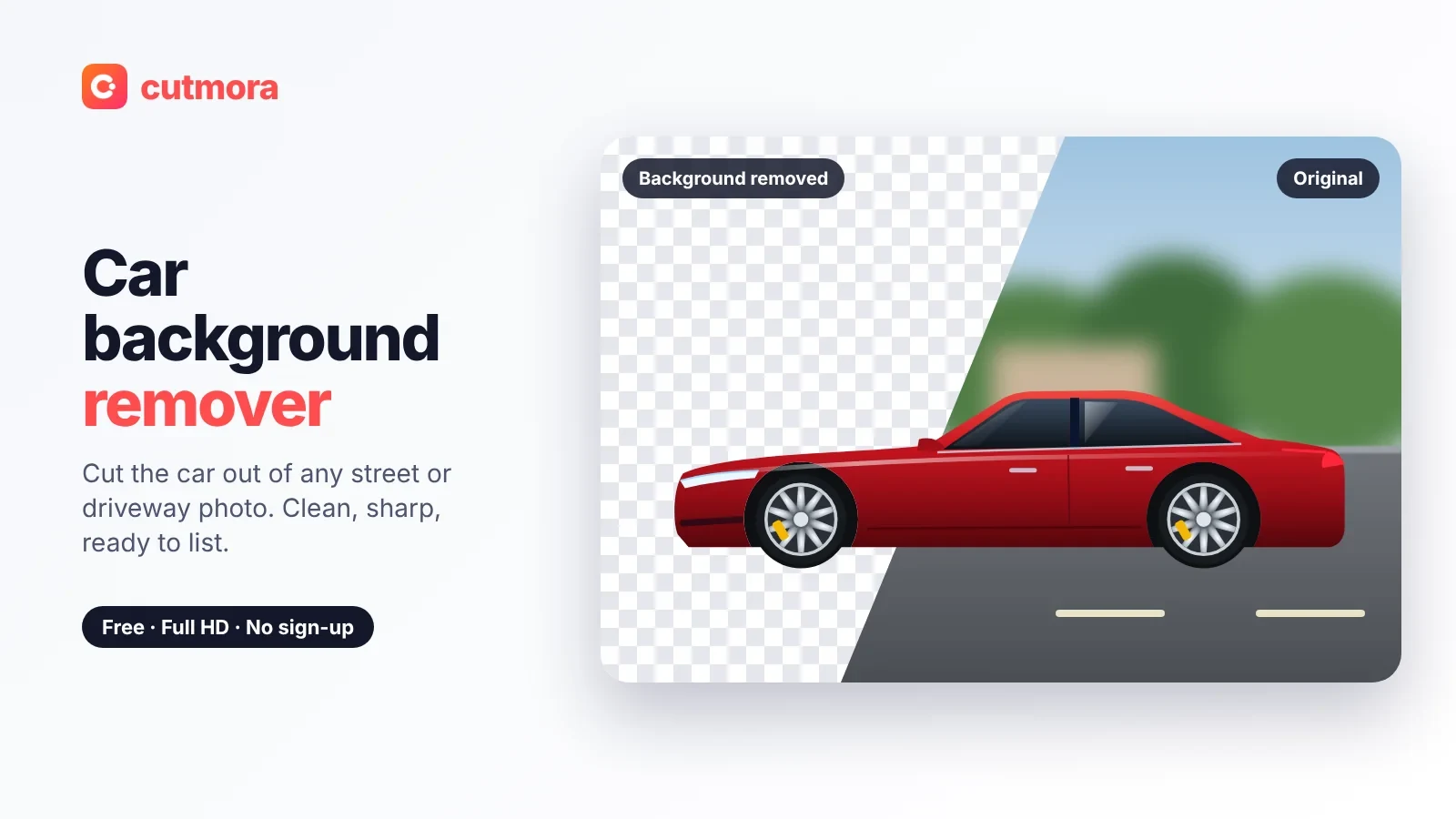
You can also compare the result with the original, clean up the edges and download PNG, WebP or JPG at up to about 12 megapixels.
What it does not do
Cutmora is not a full photo editor. There is no cropping, resizing, brightness or shadow tool. Your phone's built-in editor handles those well, so do them before or after the background step. It also handles one photo at a time, with no batch mode.
A simple workflow for store photos
- Shoot the product near a window, filling most of the frame.
- Fix the basics in your phone's editor: straighten, crop and adjust brightness.
- Change the background with Cutmora and choose the right look for where the photo goes.
- Check the edges with Compare, especially on straps, cables and glass.
- Download and upload to your store.
The right background for each channel
- Amazon: the main image needs a pure white background. Use white background product photo for listing images.
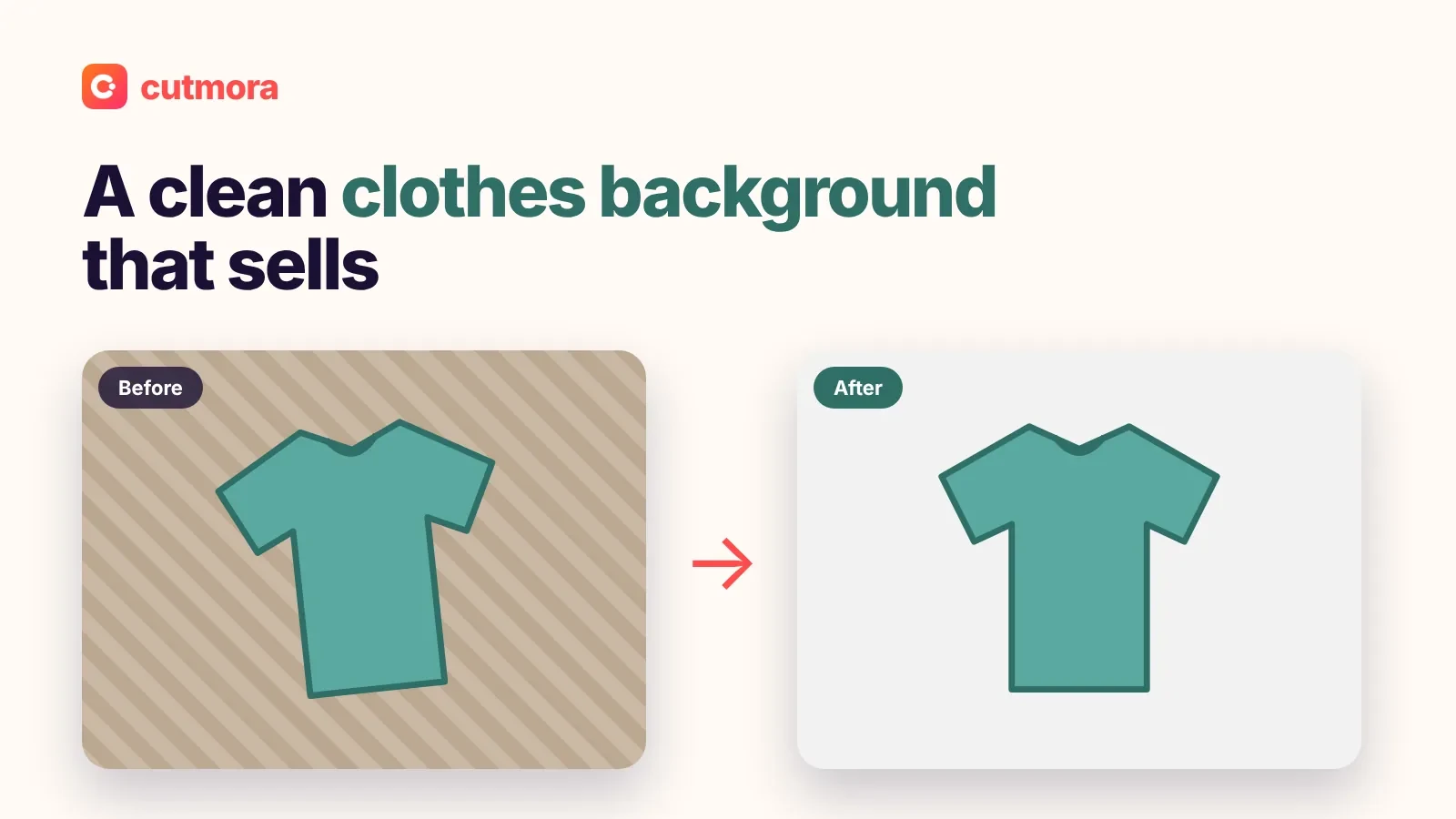
- eBay, Depop and Vinted: white or light gray makes used items look cared for. For clothing, see clothes background.
- Etsy: there is no white-background rule, so a soft color or a styled scene can suit handmade goods.
- Shopify and your own website: a transparent background PNG lets the theme's background show through.
- Social posts and ads: use a brand color with add background color to photo.
Good to know
Everything on this page costs nothing: you will not need a login, and downloads carry no watermark. The editor accepts JPG, PNG and WebP uploads as large as 30 MB. Very thin details, such as fine chains or hairline logos, can lose a little detail, so always check them before you publish.
Product shots are handled in temporary memory and erased when you are done, so unreleased items stay confidential and are never used for AI training.