
Why a clean background sells a car
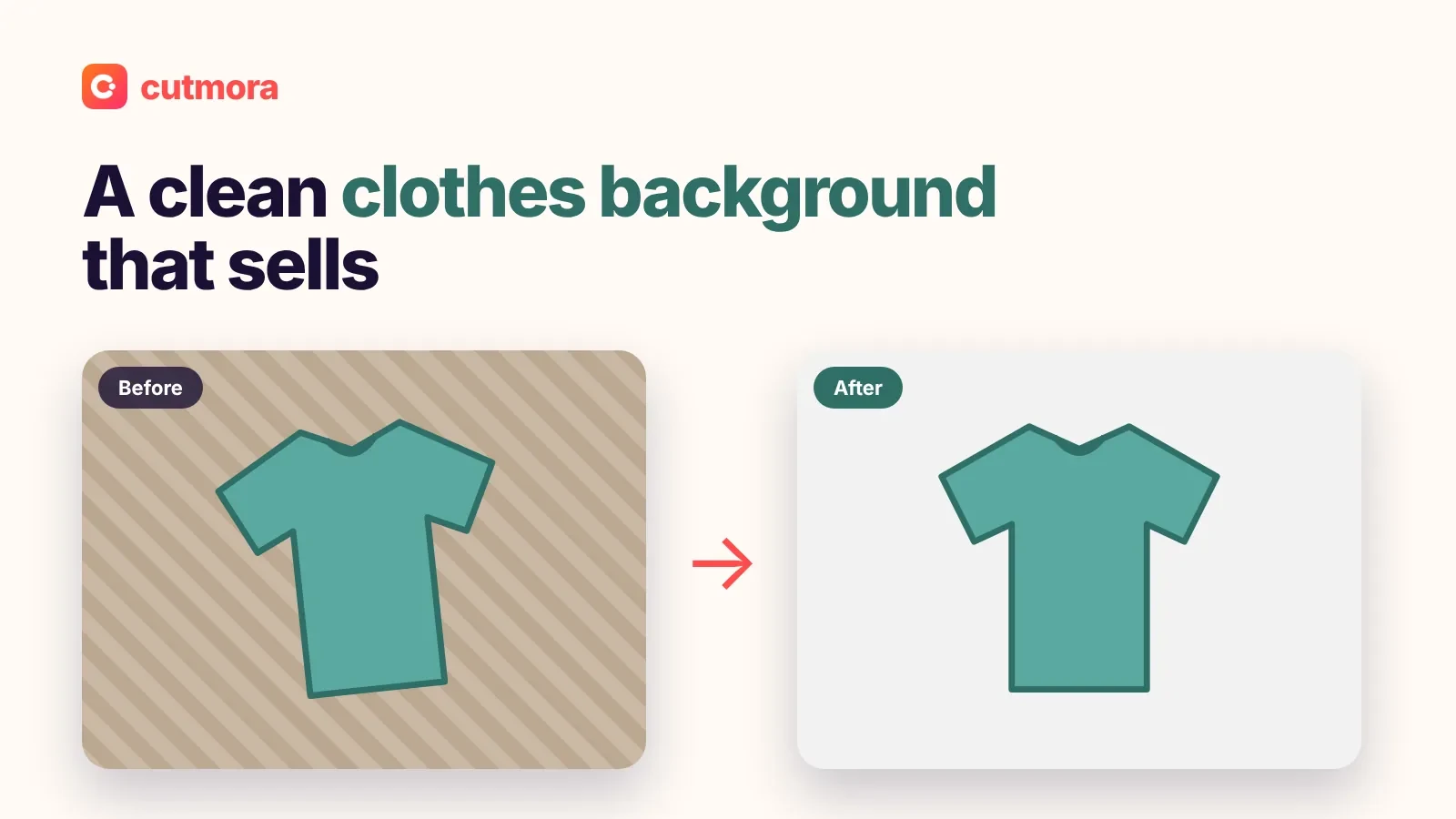
Buyers scroll past dozens of listings that look the same. The first photo decides whether they stop, and a car parked next to bins, other cars or a messy garage looks less cared for than it really is. A plain background puts all the attention on the paint, the wheels and the shape.
You do not need a studio or a perfect location. Take good photos wherever the car is parked, then let a car background remover handle the scenery.
Who it is for
- Private sellers listing one car on Facebook Marketplace, eBay Motors, AutoTrader or a local classifieds site.
- Small dealers and flippers who want their main photos to look consistent.
- Car clubs, detailers and enthusiasts making posts, flyers or before-and-after shots.
How to remove the background from a car photo
- Upload a photo of the whole car, with a little space around it.
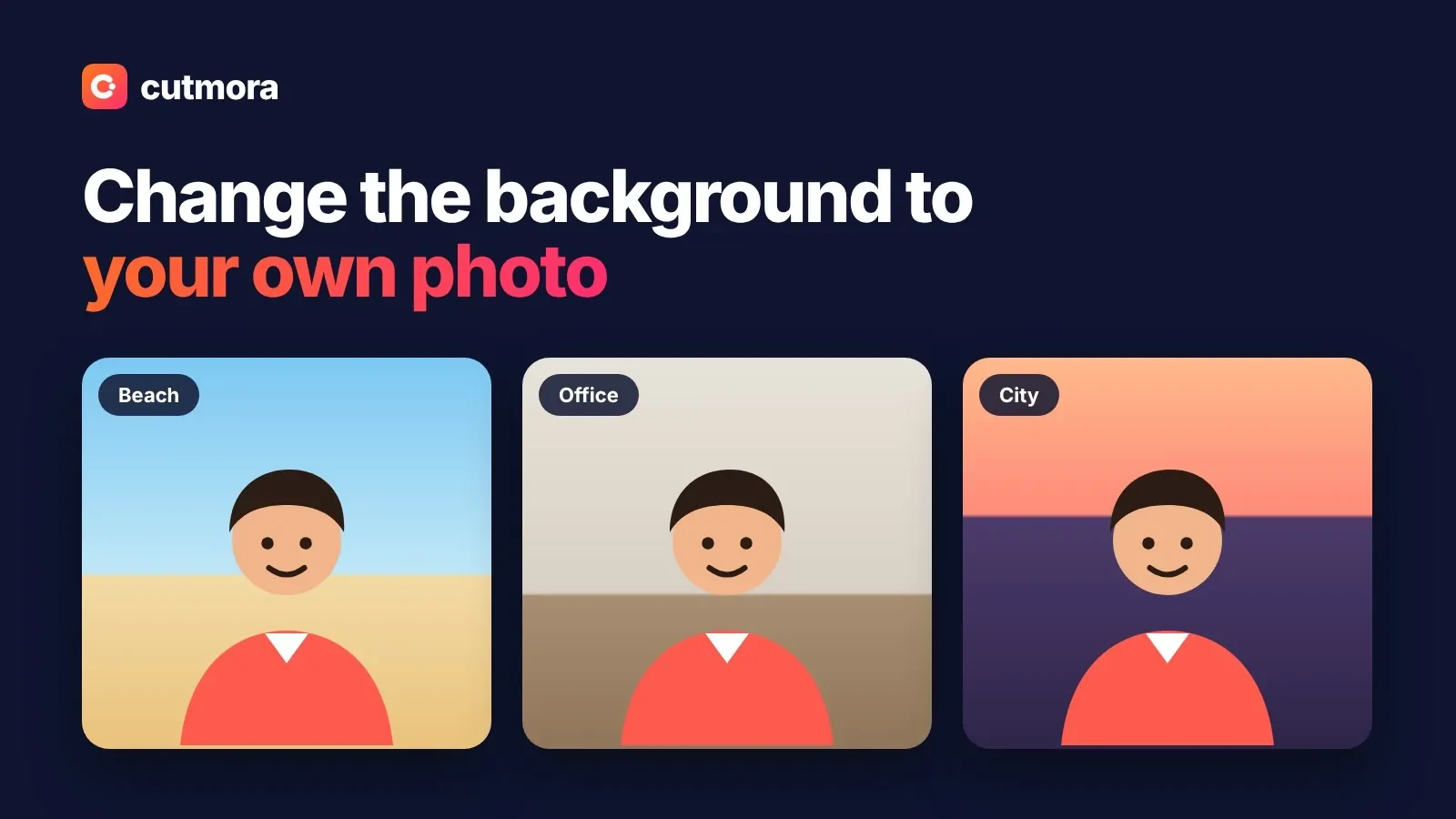
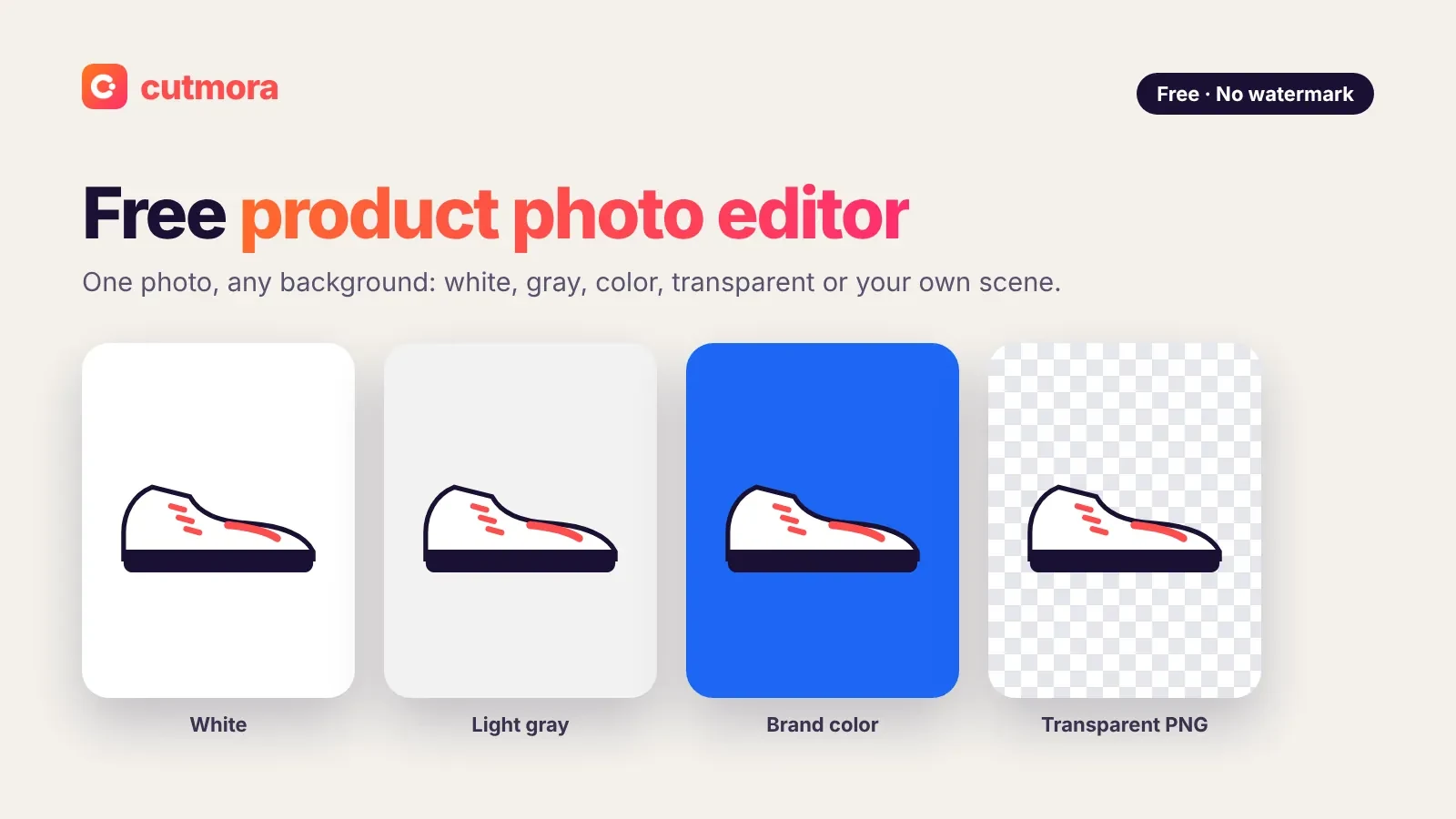
- Pick a new background: White, Light gray, a brand color, Transparent, or Photo to place the car on your own scene, such as a clean showroom floor.
- Check the details with Compare: mirrors, antennas, spoilers and the gaps between the wheels.
- Download a JPG for listing sites or a PNG for ads and banners.
Which background to choose
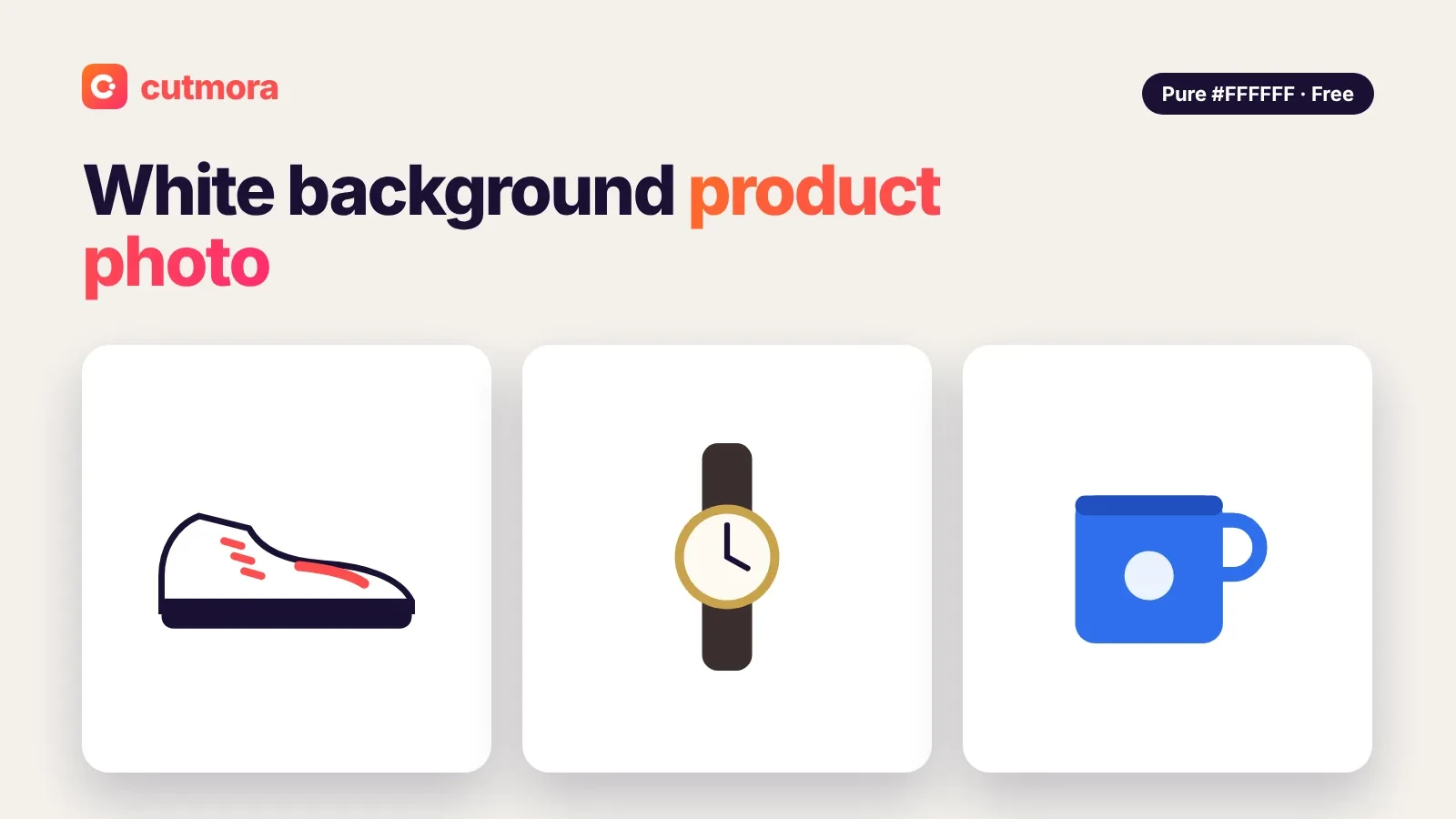
- White or light gray: the classic catalog look. Light gray is easier on silver and white cars, which can blend into pure white.
- A brand color: for dealer ads and social posts, so every car looks part of the same set.
- Transparent: for designers who place the car on a website banner or a flyer.
- Your own photo: an empty parking area or a plain wall keeps a natural feel. Pick a scene shot from a similar height and in similar light.
Photo tips before you start
- Wash the car and shoot in soft daylight or on a cloudy day to avoid harsh reflections.
- Shoot at hip height from the front corner for the main photo, then do the sides and the back.
- Keep the whole car in frame, including the bumpers and the bottom of the tyres.
- Be honest about condition. Change the background, never the car. Buyers will see scratches and dents in person, so show them in your photos too.
Good to know about car photos
Windows are the trickiest part. Glass is see-through, so parts of the old background or the interior can show through the windows after the cutout. Zoom in on the windows before you download, and if the result does not look right, retake the photo with a plainer scene behind the car.
There is also no shadow tool. On a plain color, a car without a shadow can look like it is floating, so light gray or your own background photo often looks more natural than pure white. Cutmora works on one image at a time and does not blur number plates, so use your phone's markup tool if you want to hide the plate.
For other items you sell, see product photo editor and white background product photo. To swap any scene, try change background.
Everything here is free, with no account and no watermark. Car photos are processed in temporary memory and deleted once your result is ready, and they are never used to train AI.