



Change background in three steps
- Upload your photo. Cutmora's AI finds the person, product or pet and removes the old background.
- Choose a new background. Click Photo… and upload any picture to place behind the subject. You can also pick a solid color or blur the original.
- Check and download. Use Compare to inspect the edges, then download the full-size result as PNG, WebP or JPG.
Ideas for a new background
- Profile photos: replace a cluttered room with a clean office, a bookshelf or an outdoor scene.
- Product lifestyle shots: put a mug on a café table or a bag on a city street, without a second photo shoot.
- Brand consistency: use the same branded backdrop for every team photo or product image.
- Social posts and thumbnails: place yourself in front of a travel photo, an event poster or a bold graphic.
- Fun edits: move the family dog onto the beach, or yourself onto a mountain top.
How to make it look real
The cutout is only half of a believable edit. The background photo matters just as much.
- Match the light. If the sun lights the subject from the left, choose a background lit from the left too.
- Match the angle. A subject photographed at eye level looks natural on a background shot at eye level, not from above.
- Match the sharpness. A slightly soft background looks more like a real camera photo than a perfectly sharp one.
- Use enough resolution. Pick a background photo at least as large as your subject photo, so it does not look pixelated behind a sharp subject.
- Check hair and edges. Use Compare and the Edge cleanup slider so no outline of the old background remains.
Other ways to change a background
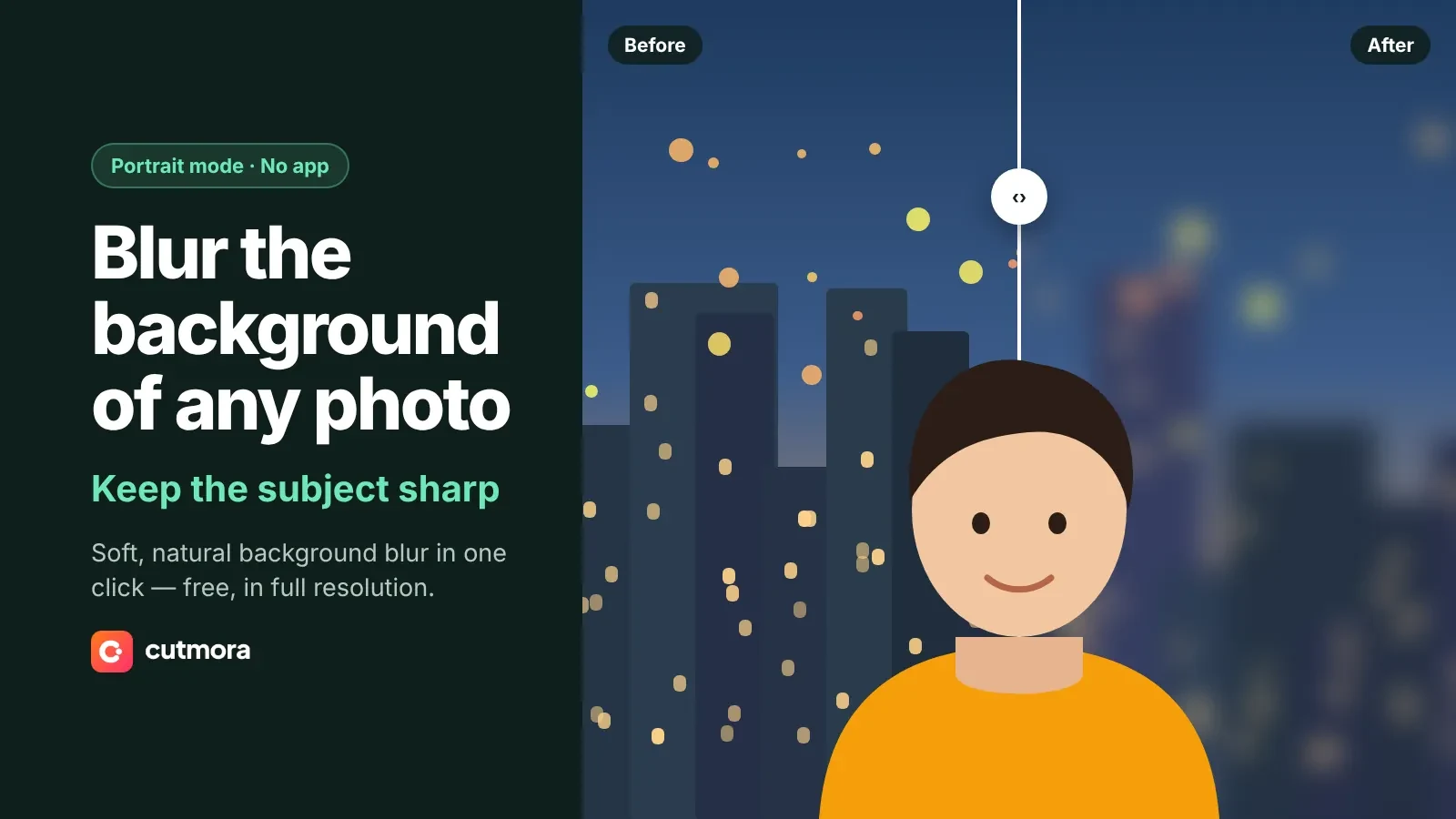
Not every edit needs a new photo. You can add a white background for marketplace listings, blur the background for a portrait-mode look, or make a transparent background PNG to finish the design in Canva or Photoshop.
Free and private
There is no sign-up and no watermark, and the full-size image is free. Your photos are processed in memory and deleted right away, and they are never used to train AI.