

Why choose black for a profile picture
Black is the opposite of the safe white headshot. It makes faces look sharper, makes colors pop and gives a photo a moody, editorial feel. That is why creatives, musicians, gamers, photographers and personal brands often use a black background profile picture.
It also fits the way people browse now. Many apps run in dark mode, and a black avatar blends into a dark interface while your face stays bright in the middle.
Where it looks best
- Instagram, TikTok and X: a bold avatar that is easy to recognize in comments and feeds.
- Discord, Twitch and gaming profiles: dark interfaces and a dark avatar look made for each other.
- GitHub and developer profiles: a clean, focused look that matches dark code themes.
- Portfolios and creative pages: photographers, designers, artists and musicians.
- Speaker and author bios: a dramatic portrait for event pages and book jackets.
How to make it
- Upload your photo. Any clear picture of your face and shoulders works.
- Choose Black. Cutmora cuts you out and fills the background with solid black.
- Download a PNG or JPG at full size, with no watermark.
Tips for a great black background portrait
- Light your face from the side. A window to one side gives shape and shadow, the classic low-key portrait look.
- Watch dark hair and dark clothes. Black hair or a black jacket can melt into a black background. Wear something lighter, or choose Custom color and use a very dark gray, such as #1A1A1A, which keeps a faint outline.
- Check the edges. Bright stray pixels show up clearly against black. Switch to Compare to inspect the hairline, then adjust Edge cleanup until the outline is clean.
- Keep the face centered. Profile pictures are usually cropped into a circle, so leave space above your head.
Size and format
Avatars are almost always square. Cutmora keeps the shape of the original, so trim it to 1:1 with your gallery app's crop tool, and upload a large file so it stays sharp. JPG is fine for a solid black background; choose PNG if you want the highest quality.
Not only for profile pictures
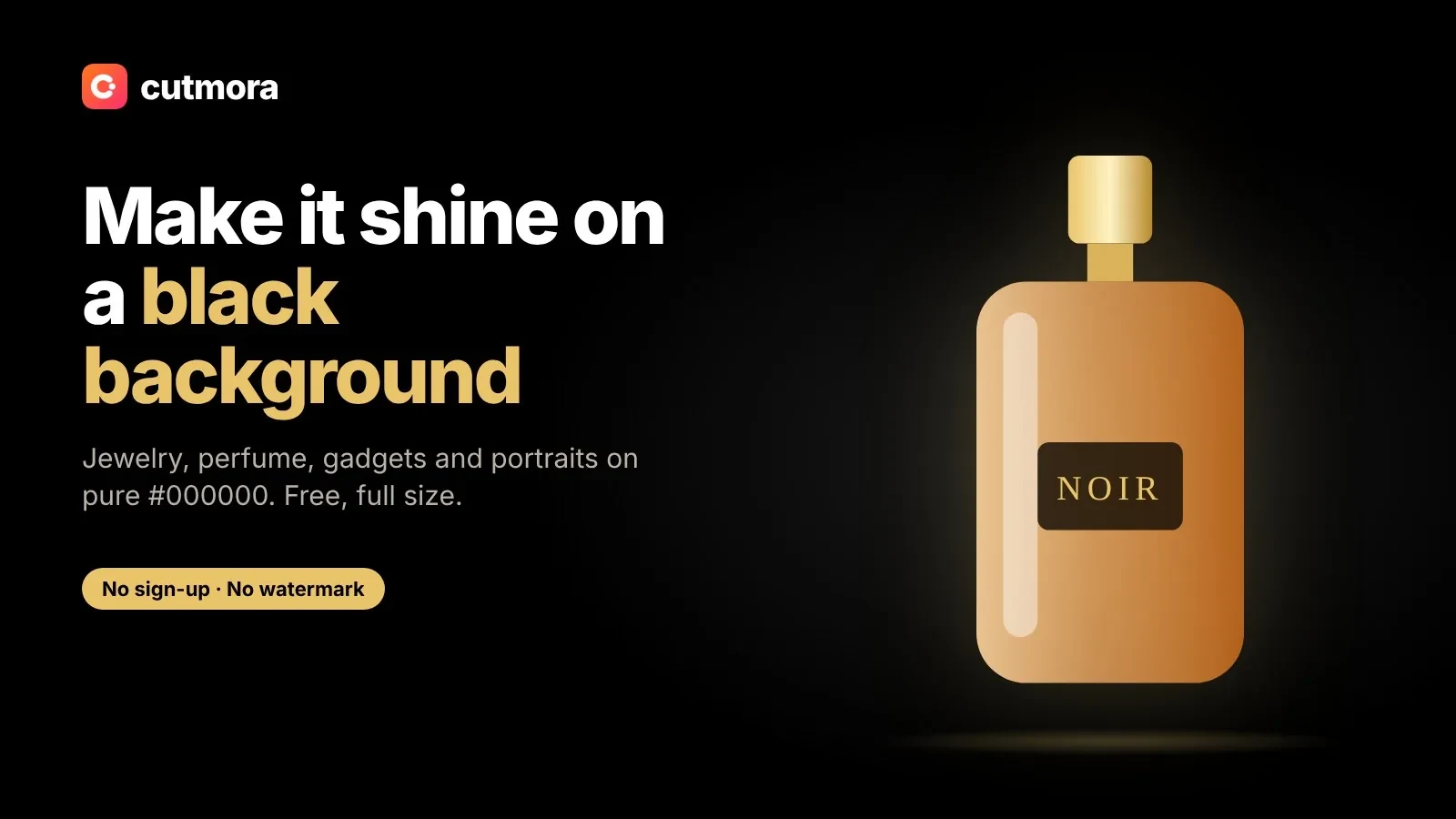
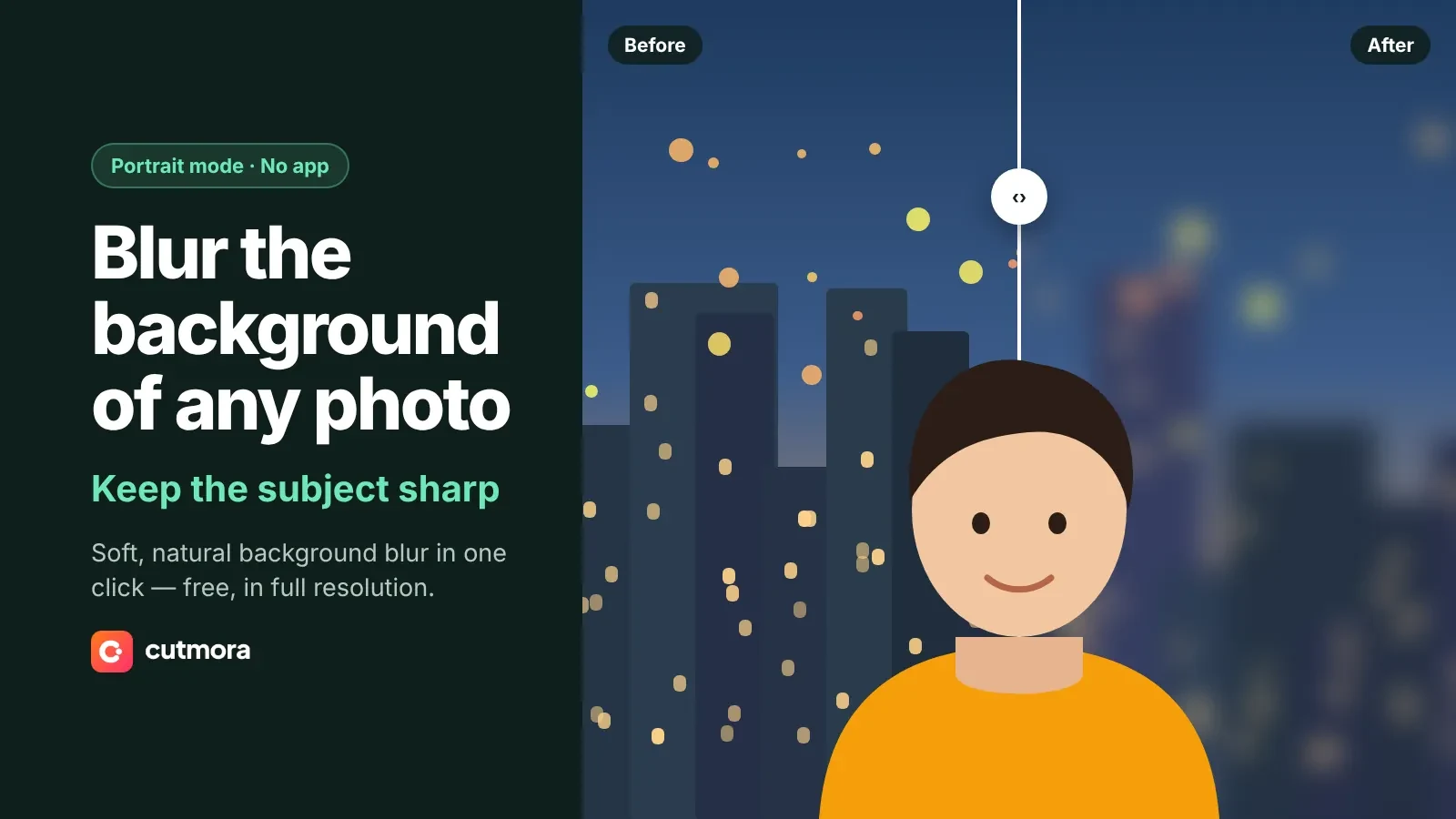
Black backgrounds also suit jewelry, watches and perfume shots. For those, see the general black background tool. If you want something brighter, try a red background, or blur the background to keep your real surroundings softly out of focus.
Your portrait stays private: it is handled in temporary memory, erased once the result is ready, and never added to any AI training set.